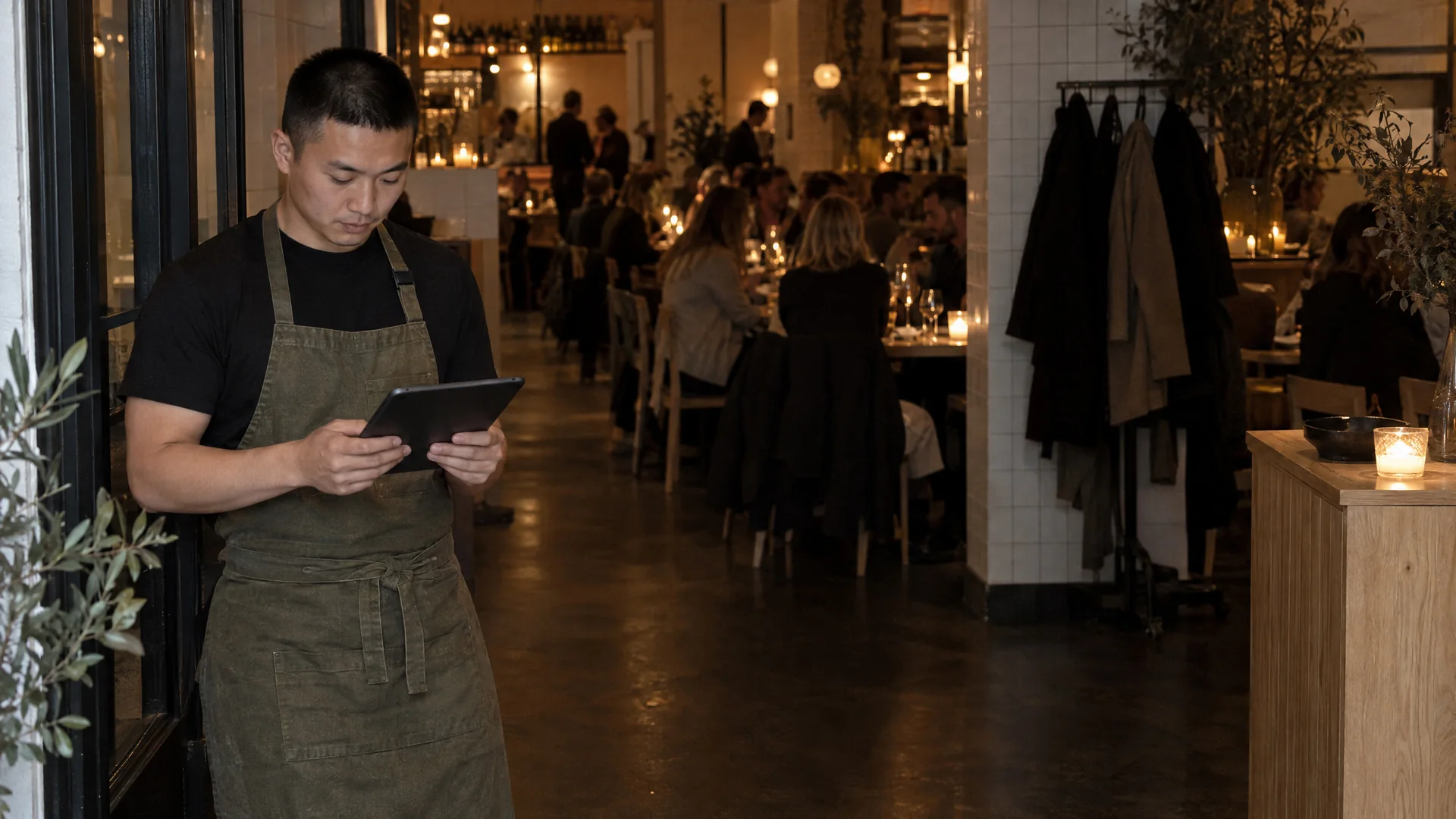
Tables and booking
Who is sitting where? Who is coming at eight?
The floor plan and bookings are in the POS. You see which tables are booked today, and when.
The floor plan and bookings are in the POS. You see which tables are booked today, and when.
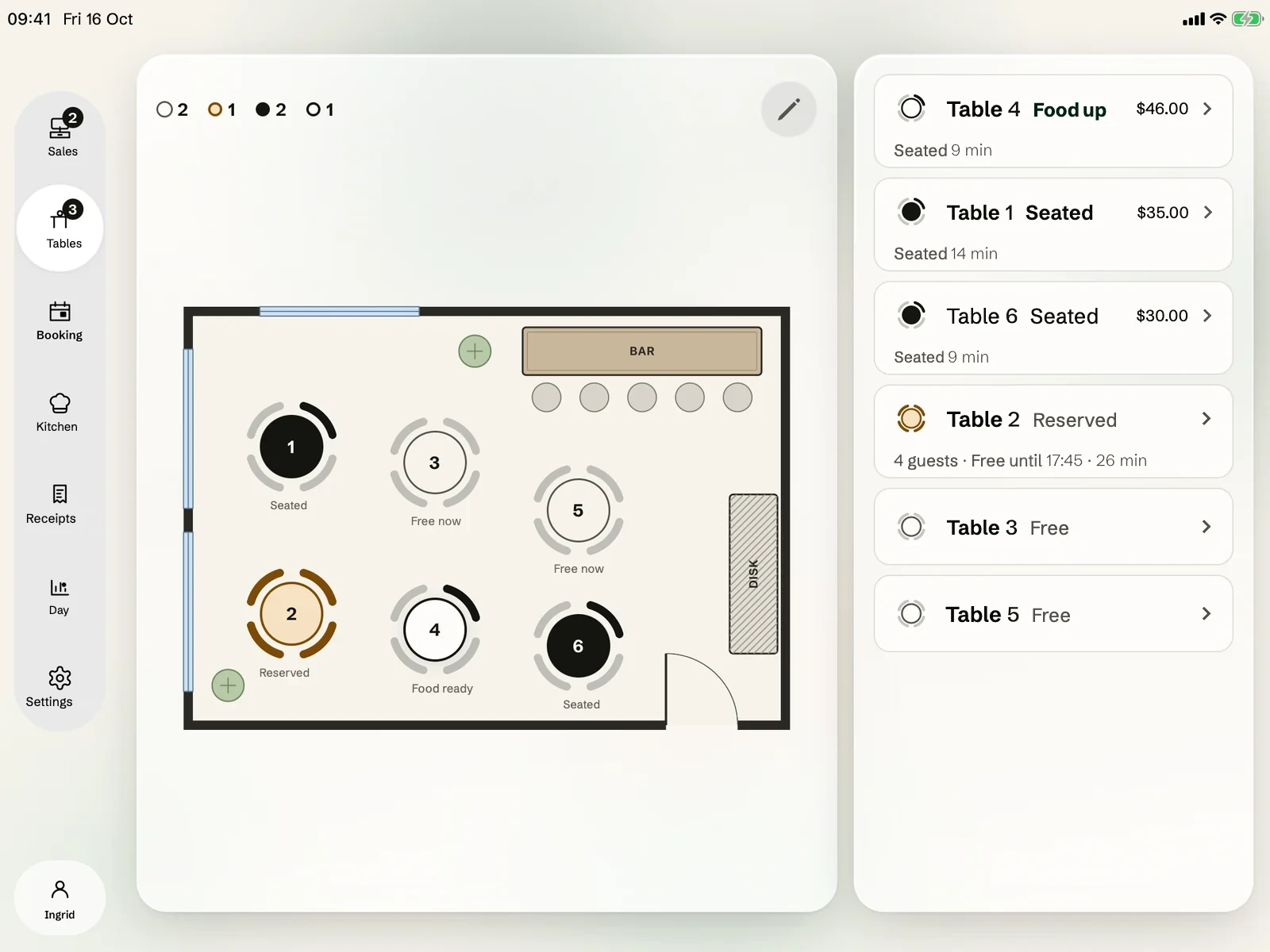
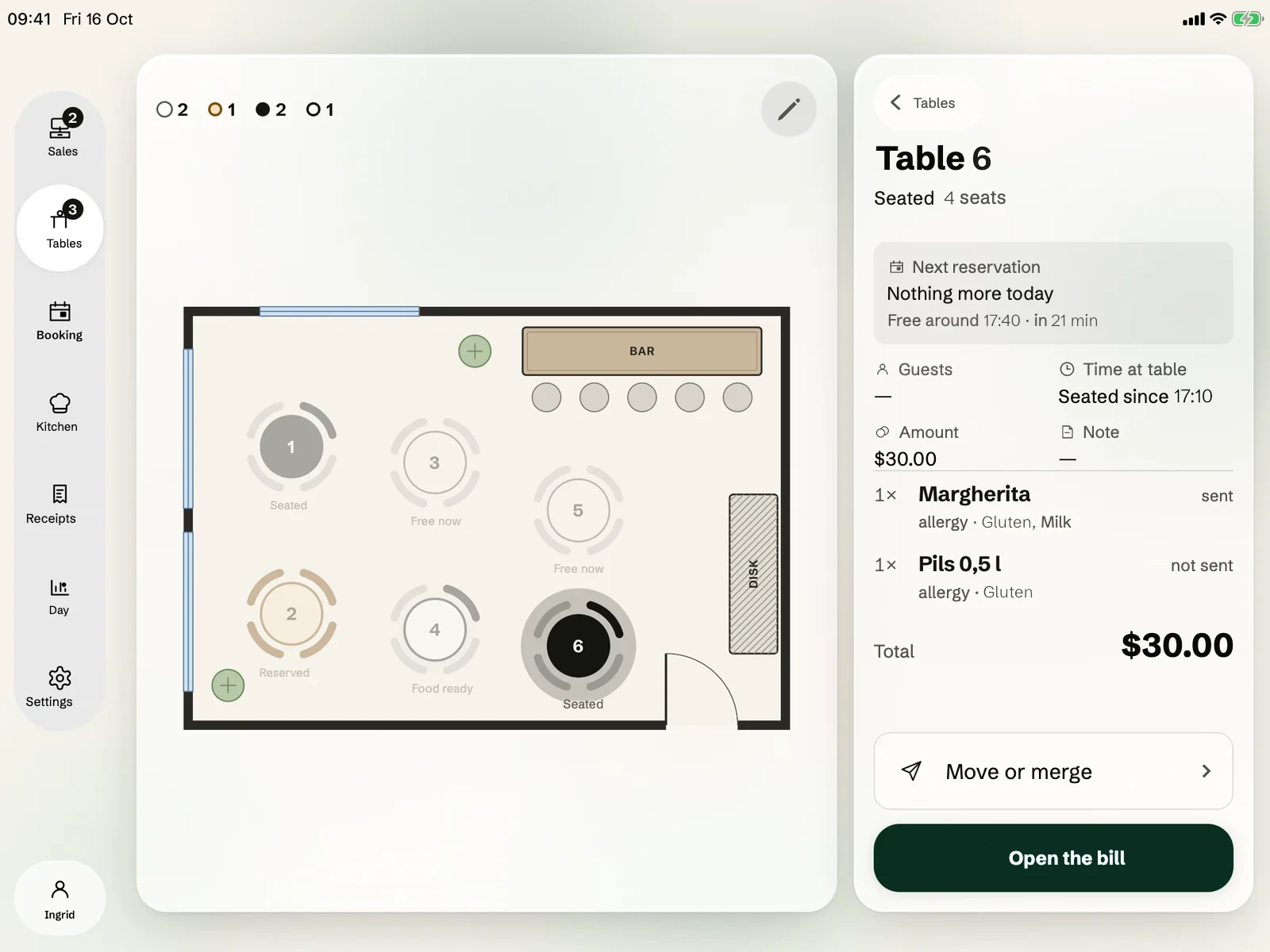
What you see when you tap a table.
- Table card
The card shows who is seated, what has been served and the amount so far. The table card shows when the next booking arrives.
- Move or merge
The table card moves guests to another table, or merges tables.
- Online booking
The booking timeline shows who is coming, when, and at which table. Guests book online under the rules you set.
Questions and answers
If the answer isn't here, we'll cover it in the demo.
Book a demoRuns on iPad and iPhone. See the equipment
Also in Okam POS Kitchen screen Online ordering and your own app Rota Ask Okam
What equipment do I need?
The floor plan and bookings are in the POS, so you need an iPad or iPhone. A card terminal and a Star mPOP come in when you take payment and want paper receipts. See the equipment.
See the floor plan with your own tables.
We show you Okam with your own menu and tables.