Products
The POS, the kitchen, online ordering and shifts, in one system.
The kitchen and the back office see what you do at the table. Pick where you want to start.
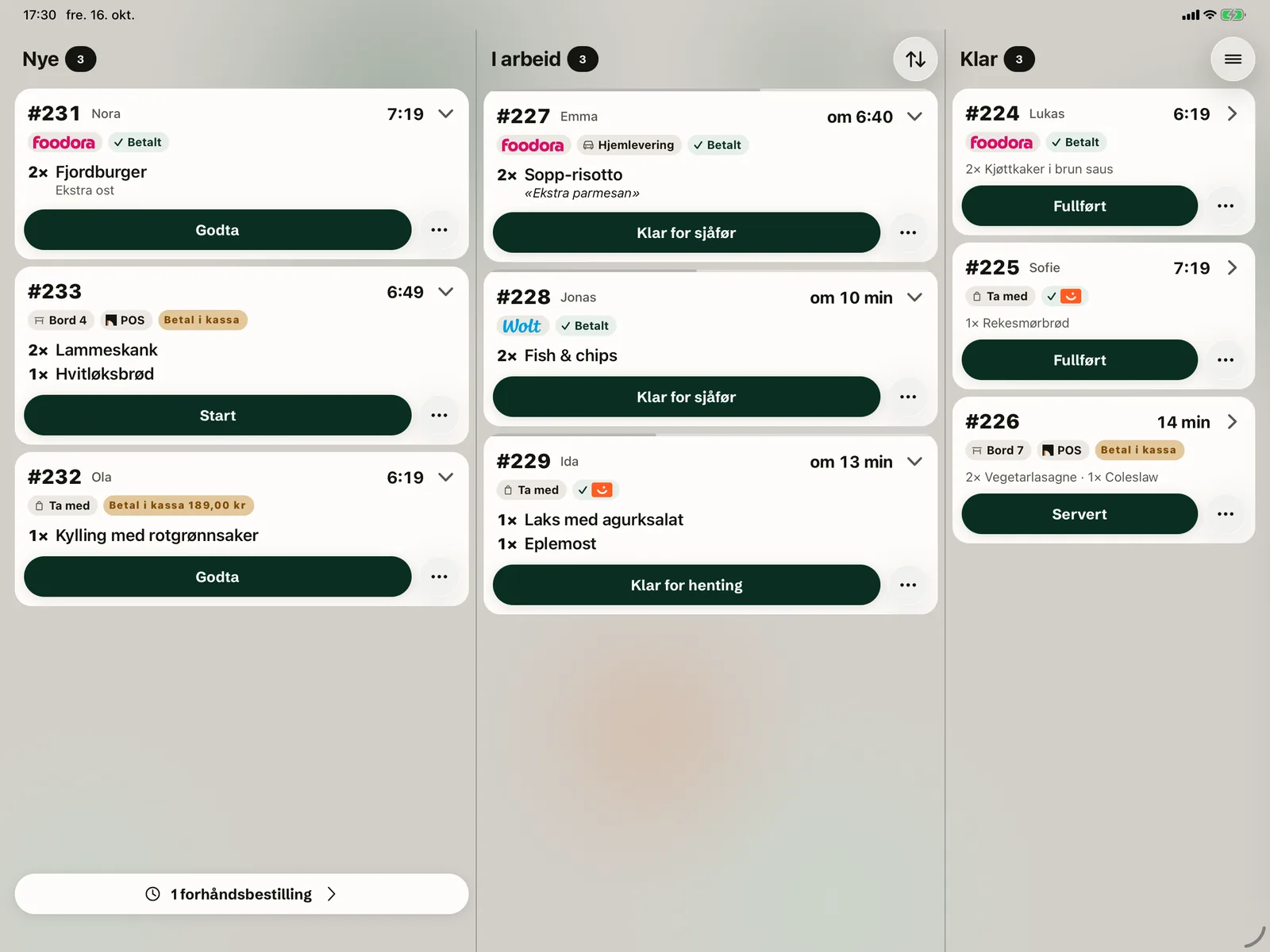


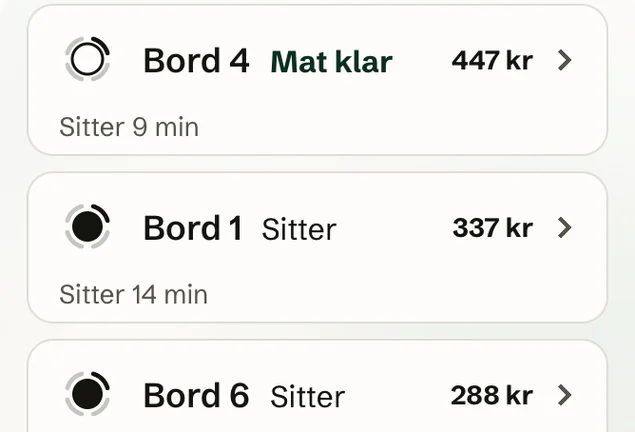
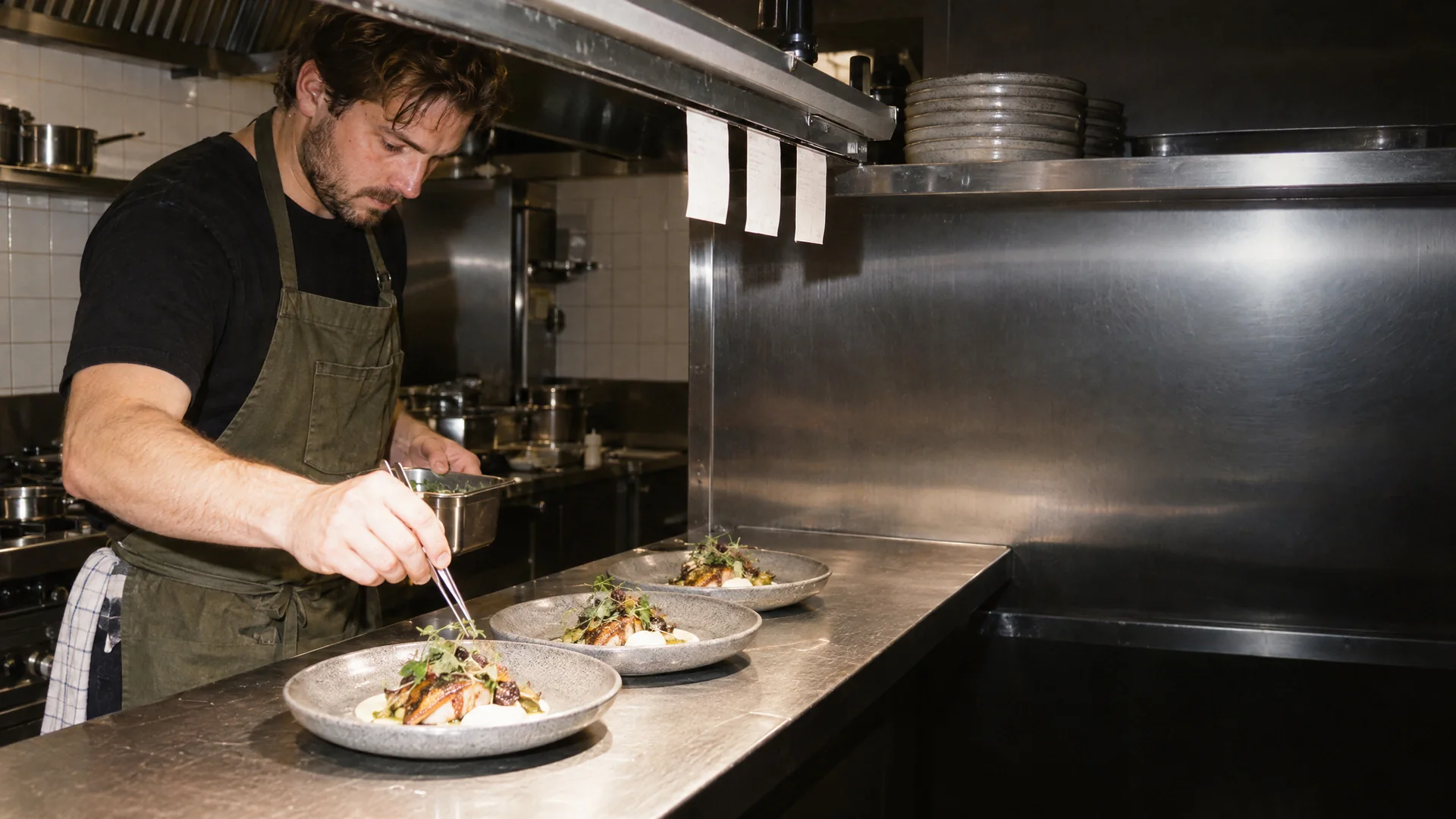
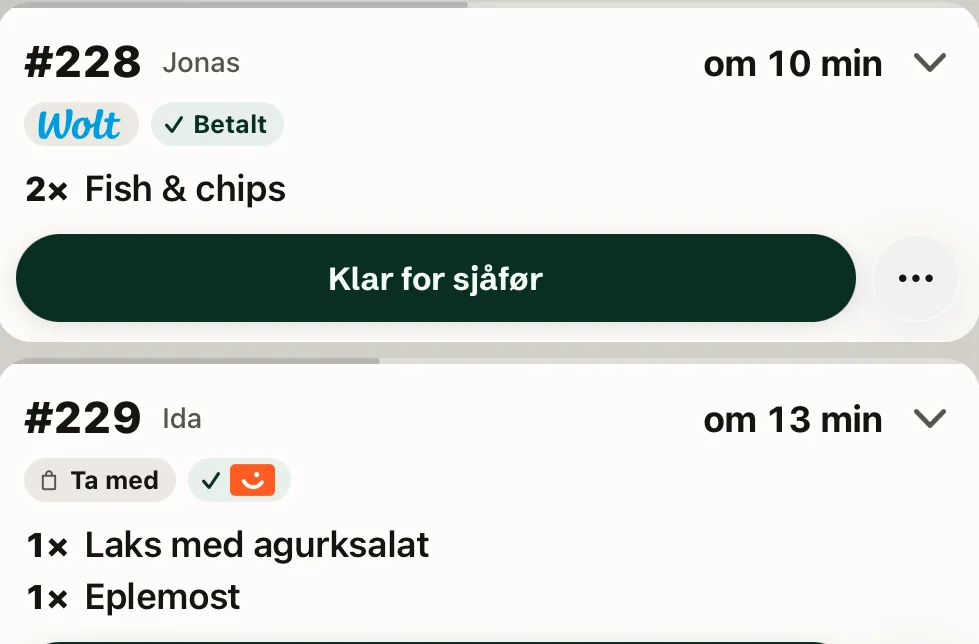
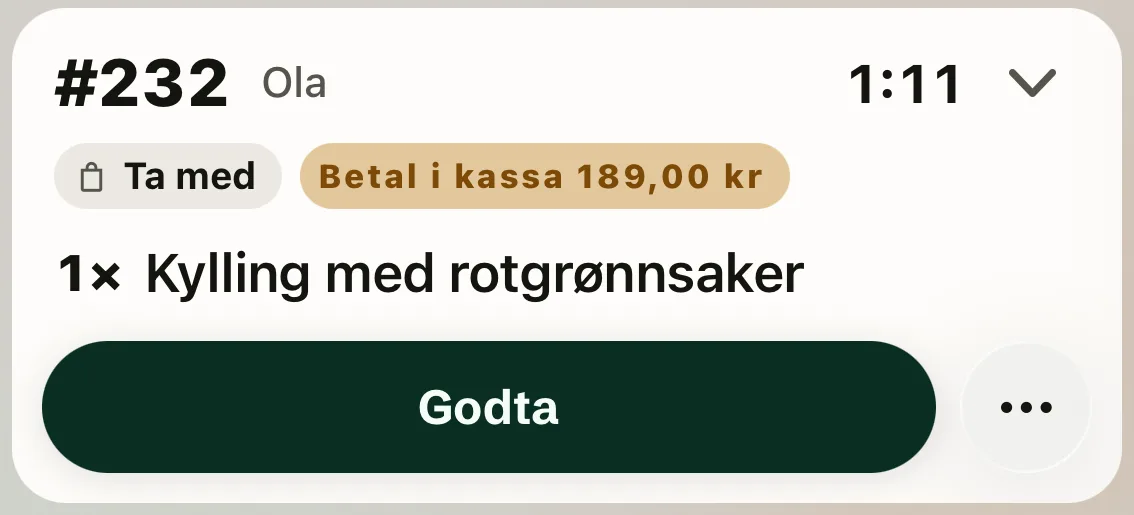
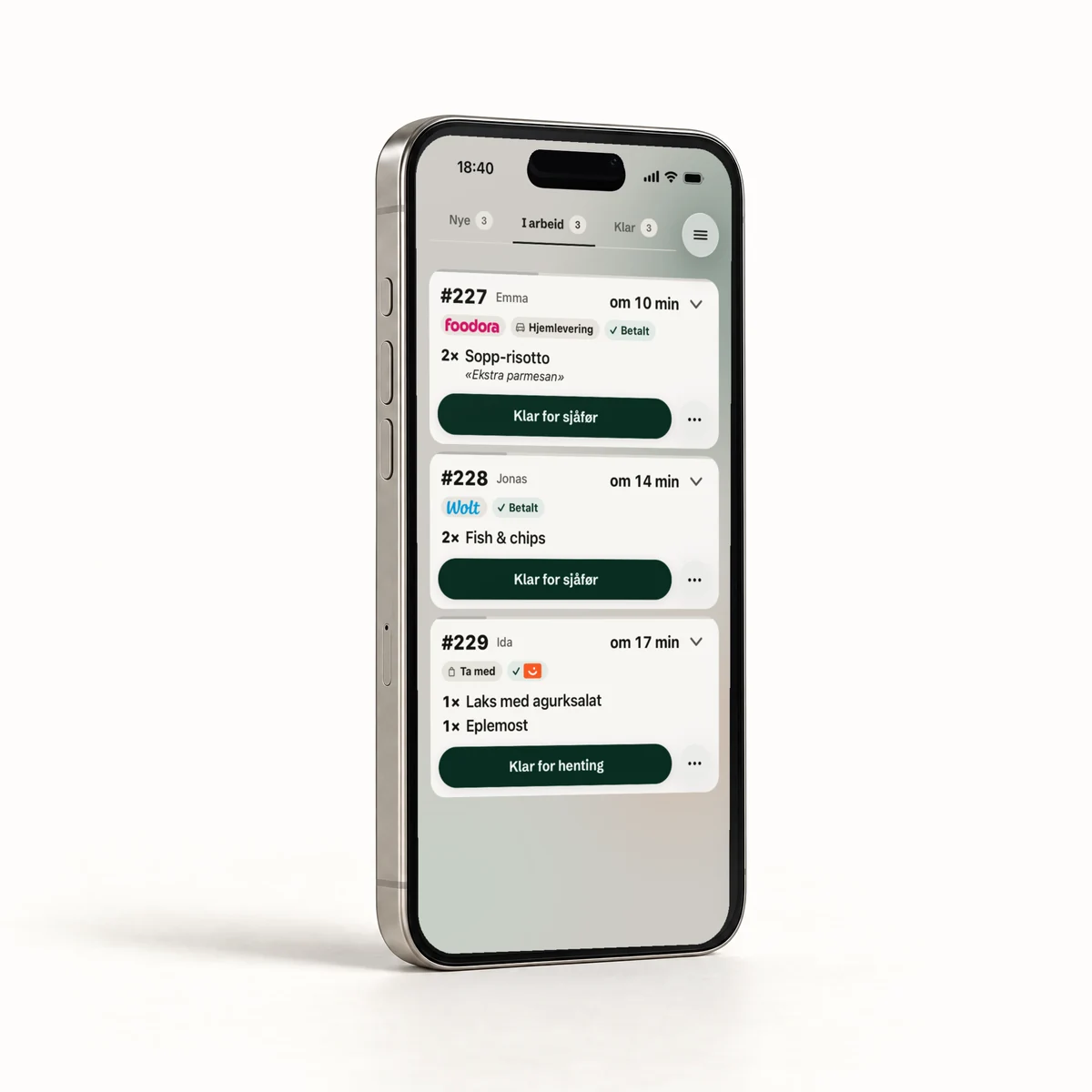
Orders sit in three columns: New, In progress and Ready.
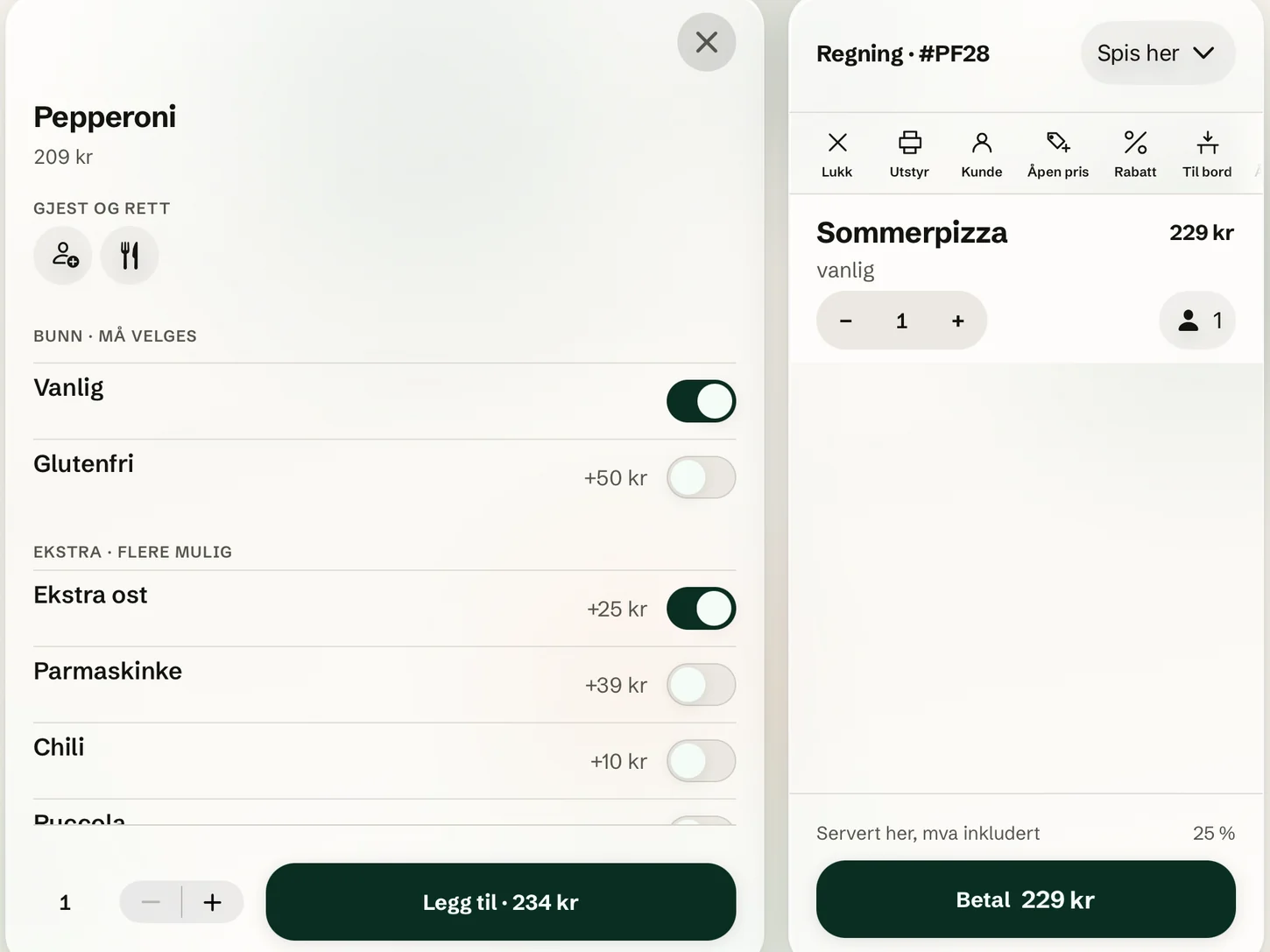
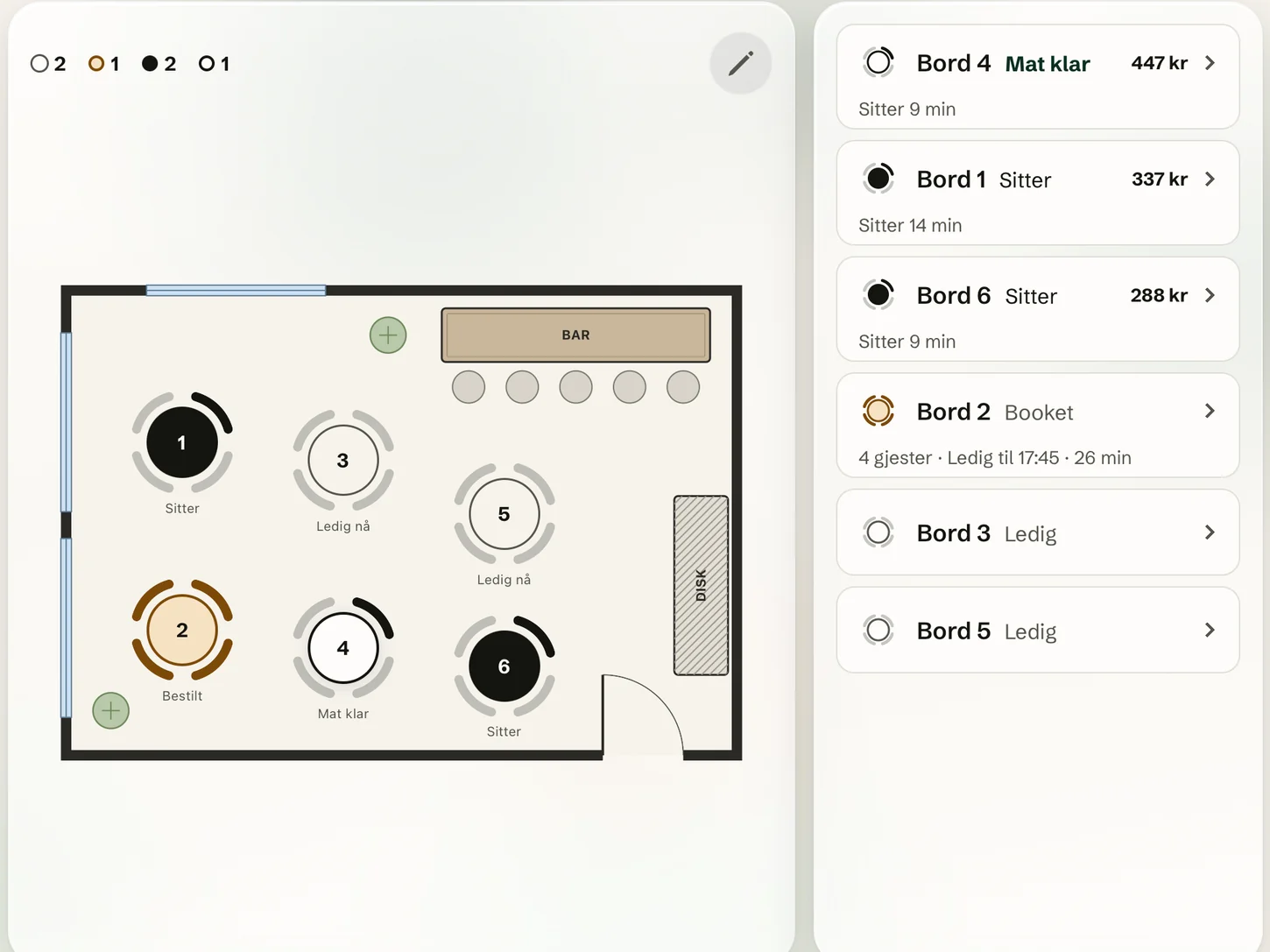
Example data.
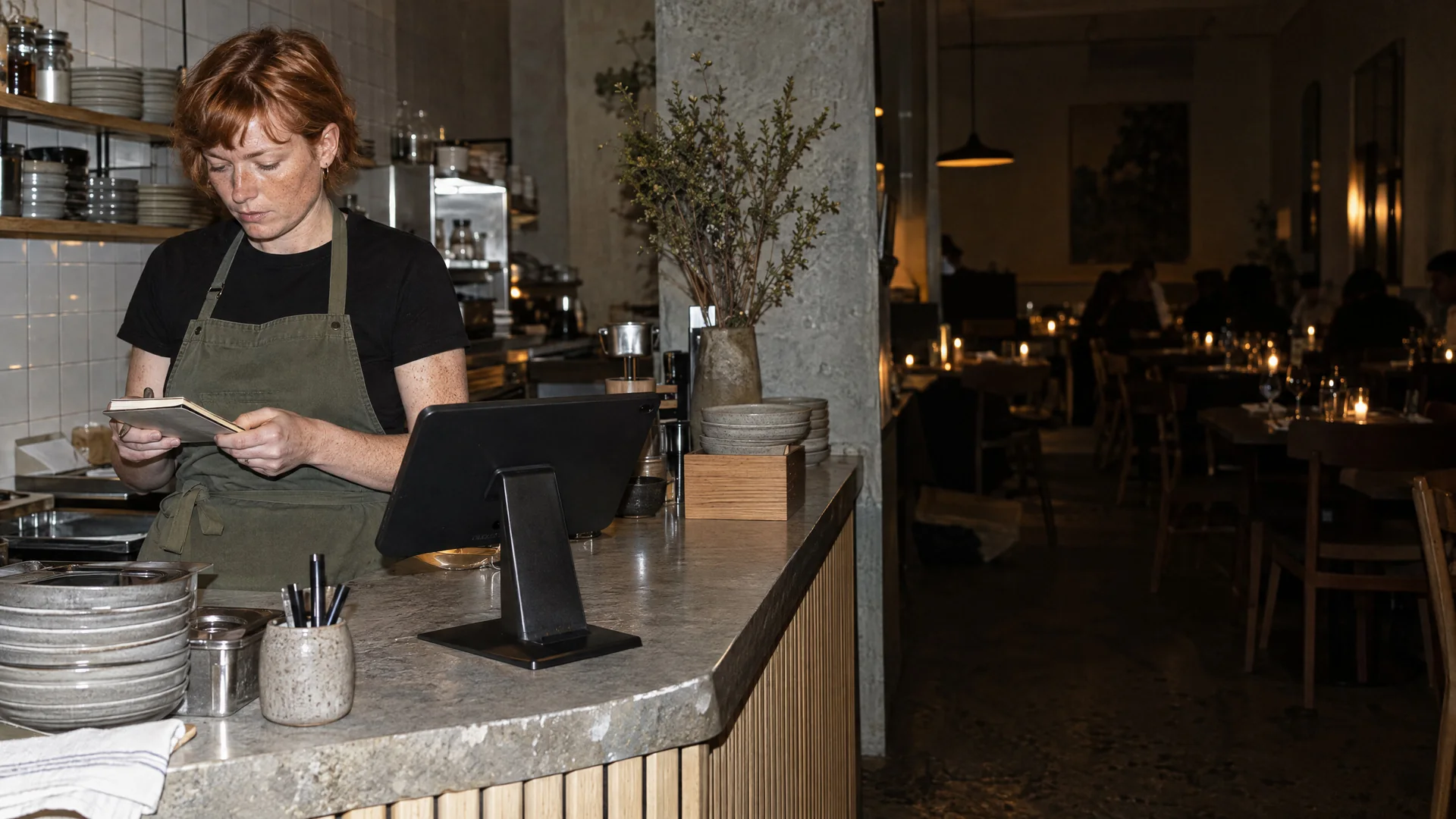
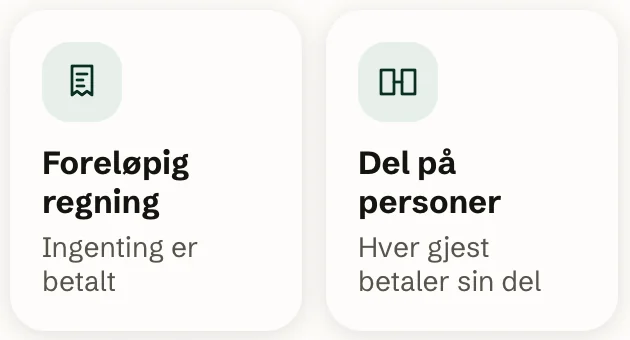
At the table
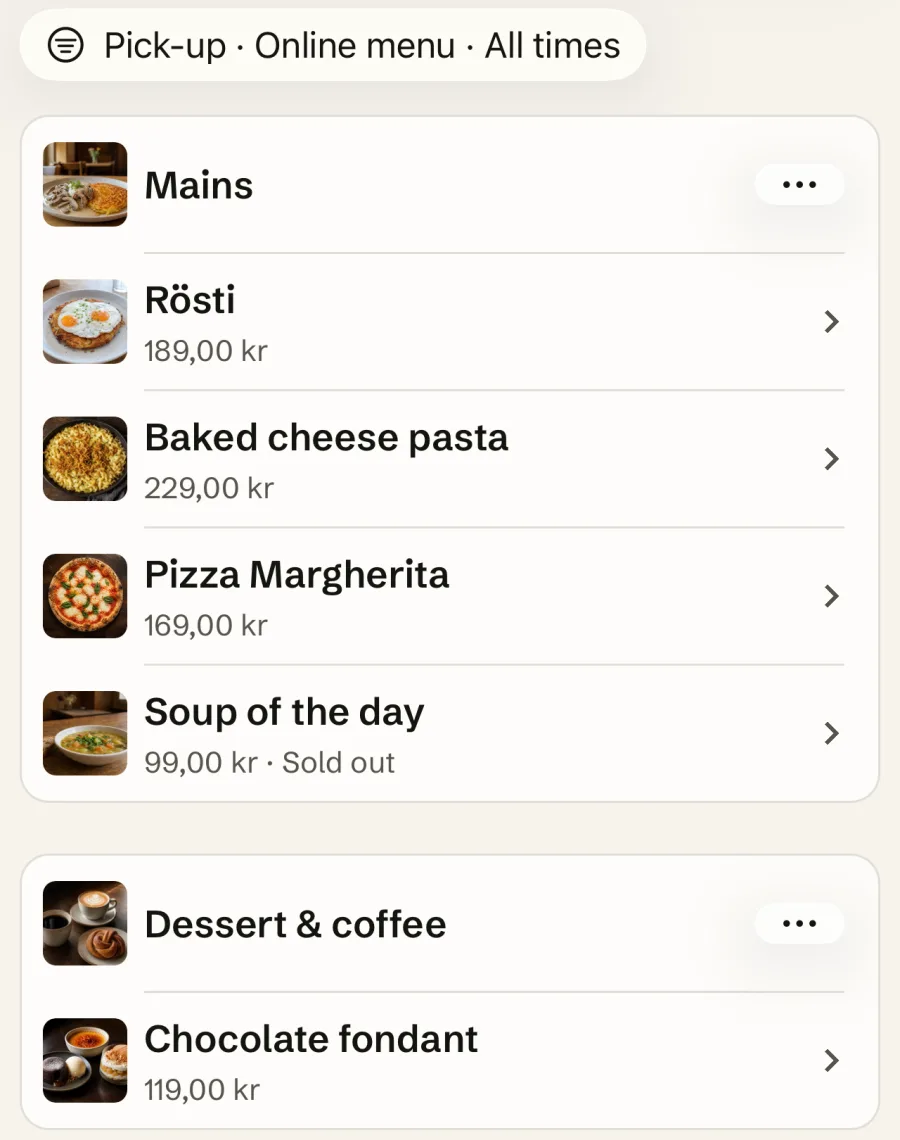
Kitchen and online
Equipment
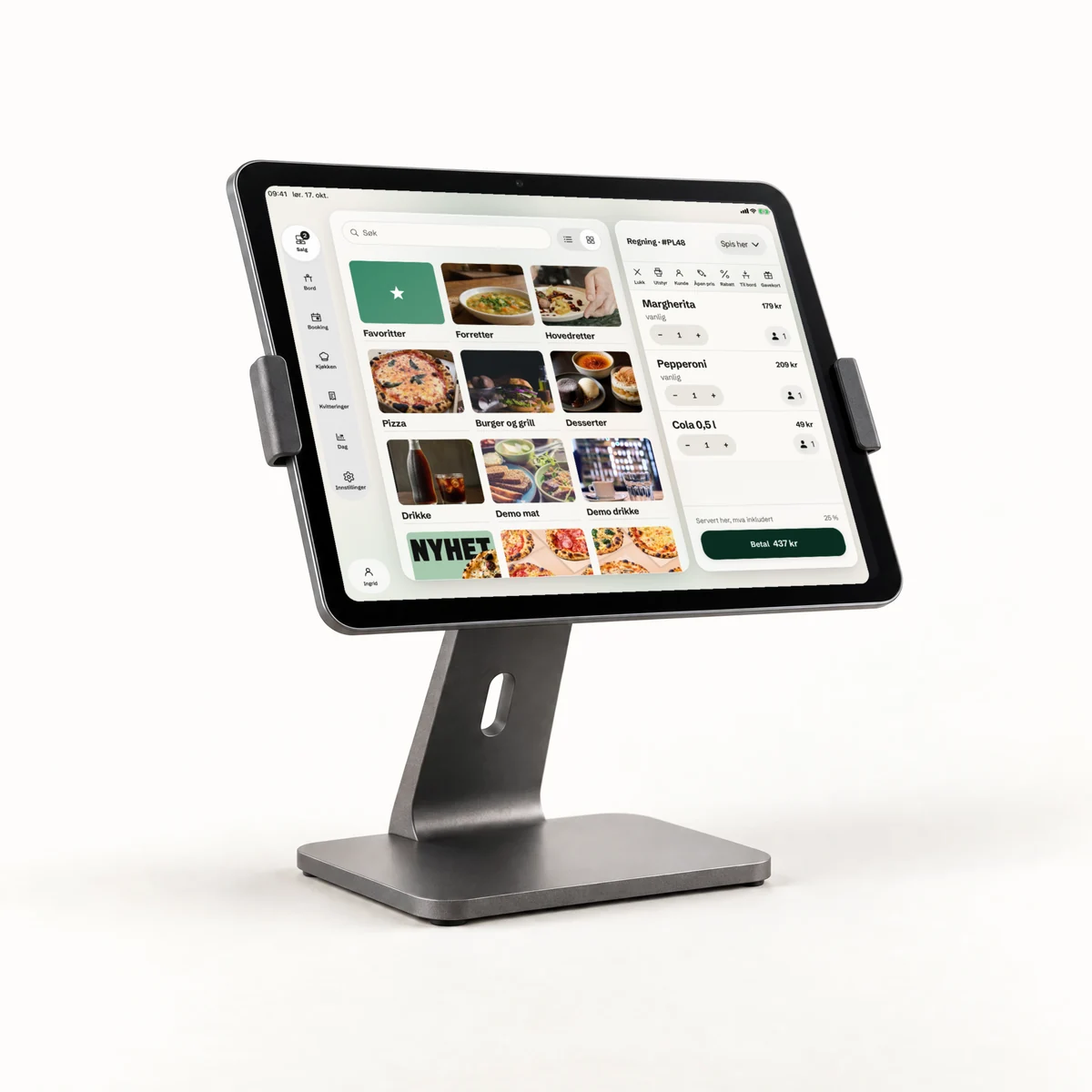
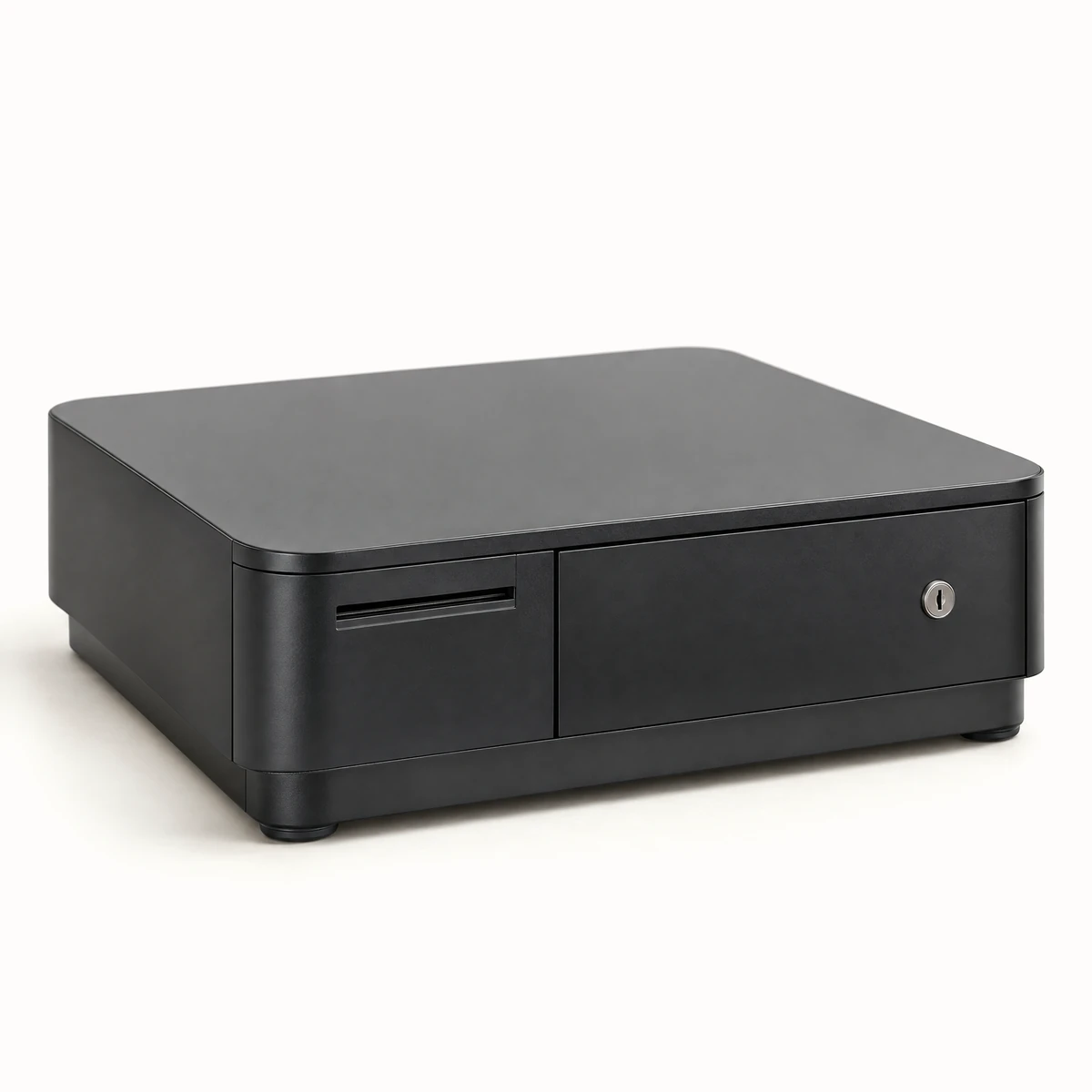
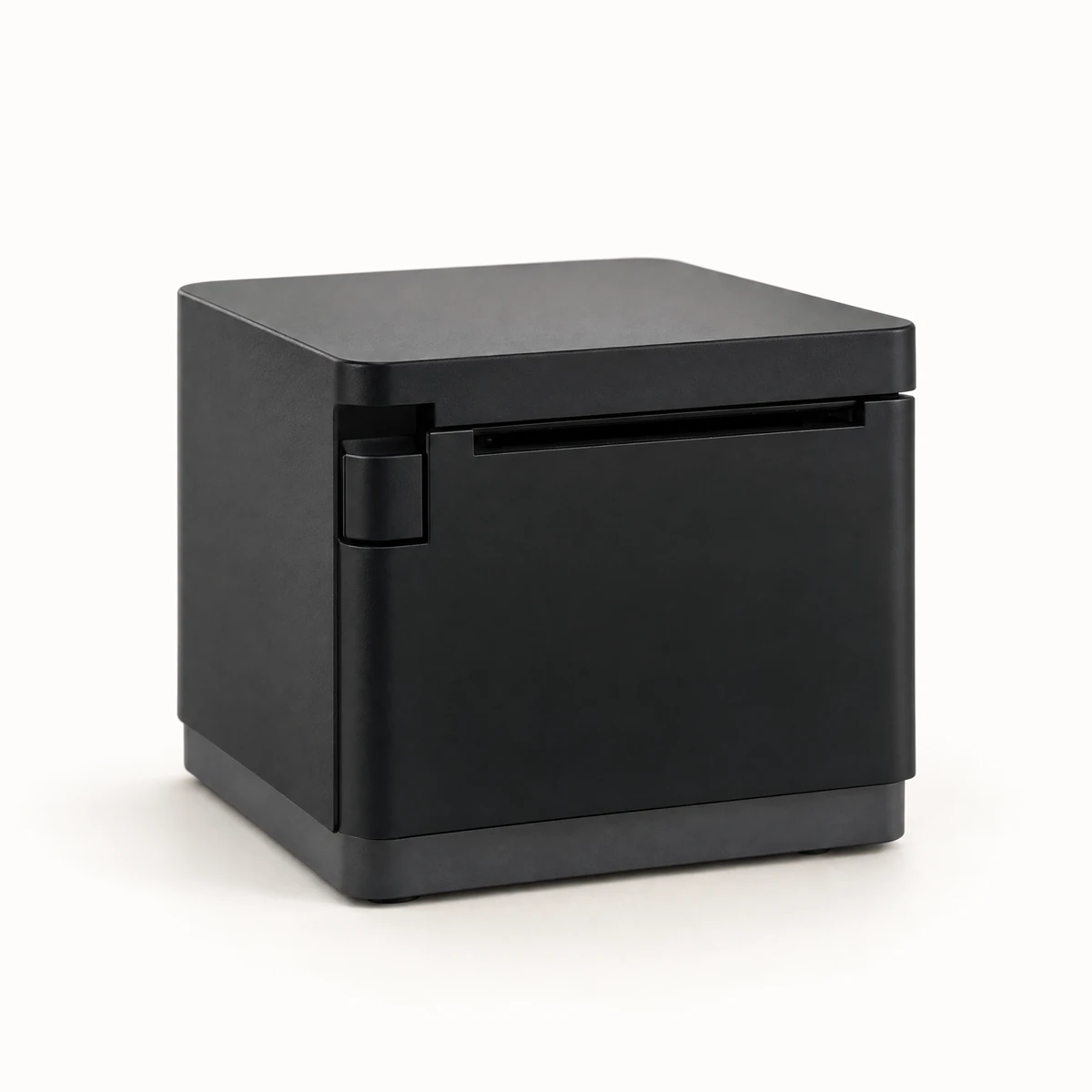
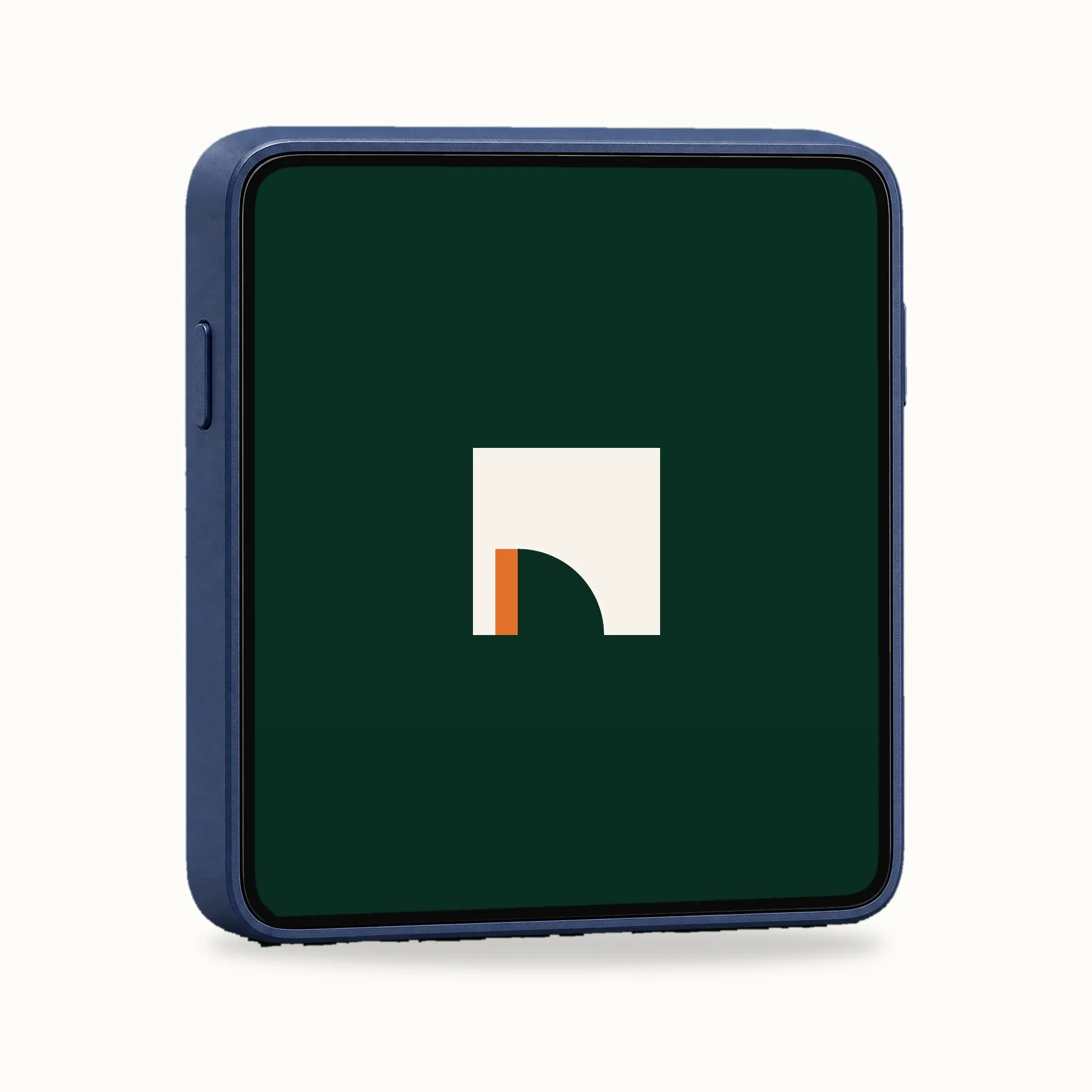
The printer, the cash drawer and the terminal connect to it.
Before you switch
Questions and answers
If the answer isn't here, we'll cover it in the demo.
Book a demoWhat equipment do I need?
An iPad or iPhone for the POS, a card terminal, and a Star mPOP if you want paper receipts and a cash drawer. See the equipment.
Do I need a separate tablet for Wolt and Foodora?
No. The orders come straight onto the kitchen screen.
Can I use the timesheets for payroll?
The hours per employee can be exported for payroll.