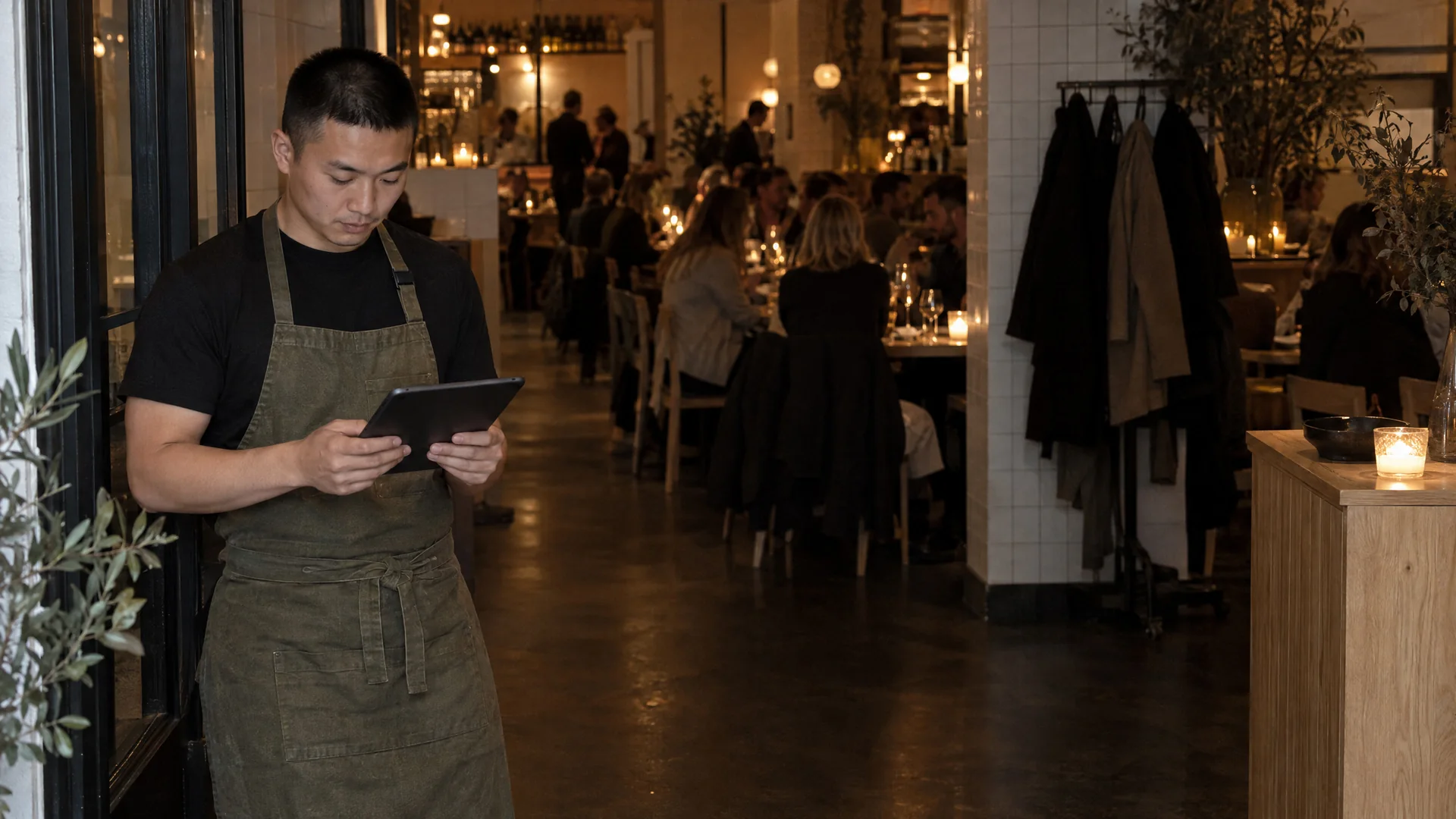
POS system for table-service restaurants
The whole restaurant in one system, from the first booking to the last bill.
Bookings, the floor plan, the kitchen and end of day are one system. The kitchen sees what you do at the table. The numbers are ready when you close.
Bookings, the floor plan, the kitchen and end of day are one system.
The evening at the table
Table 12 is eight guests. Four of them want to pay separately.
Each dish is marked as starter, main or dessert, so the kitchen sees the order. You split the bill per guest or per dish.
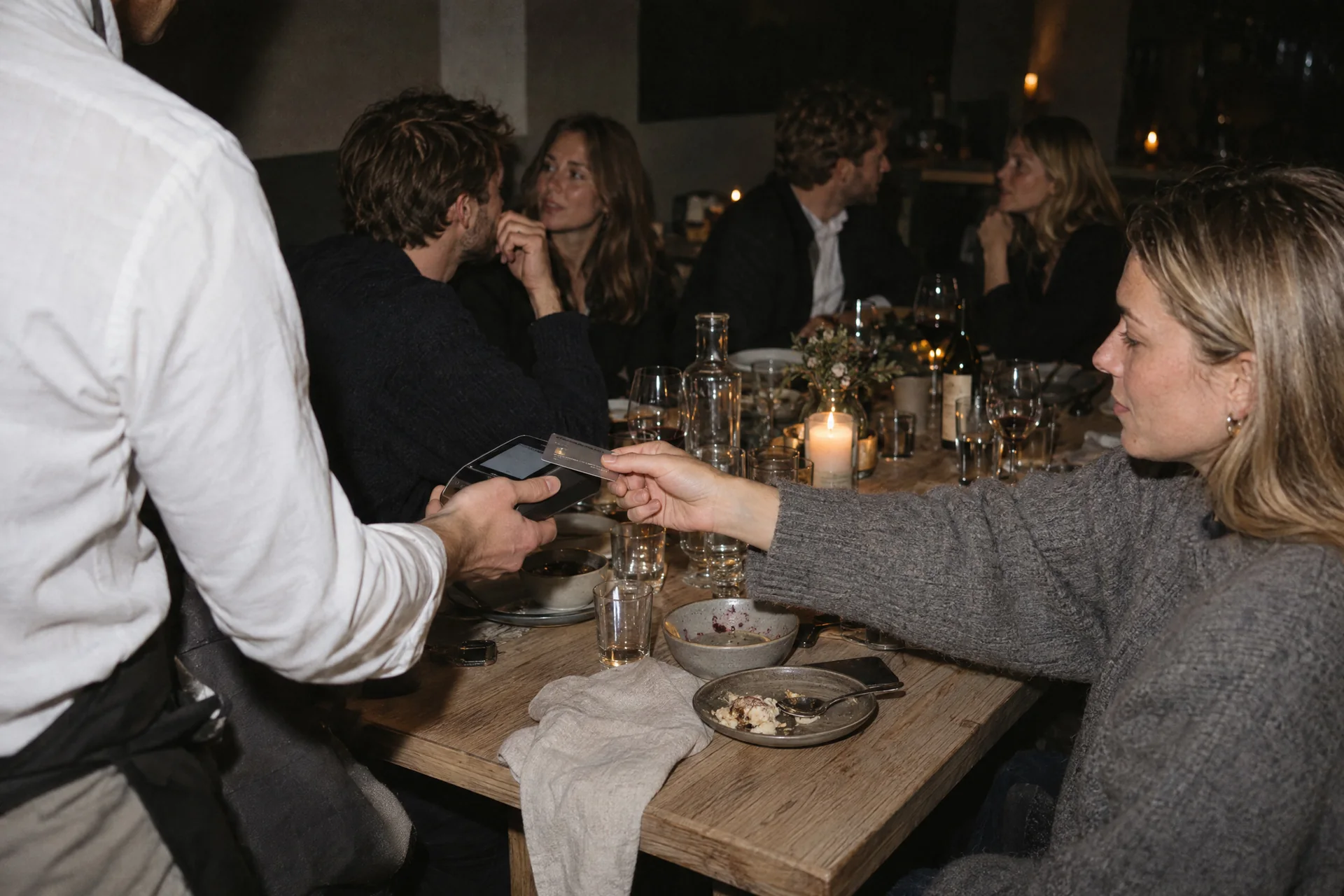
An evening in the restaurant.
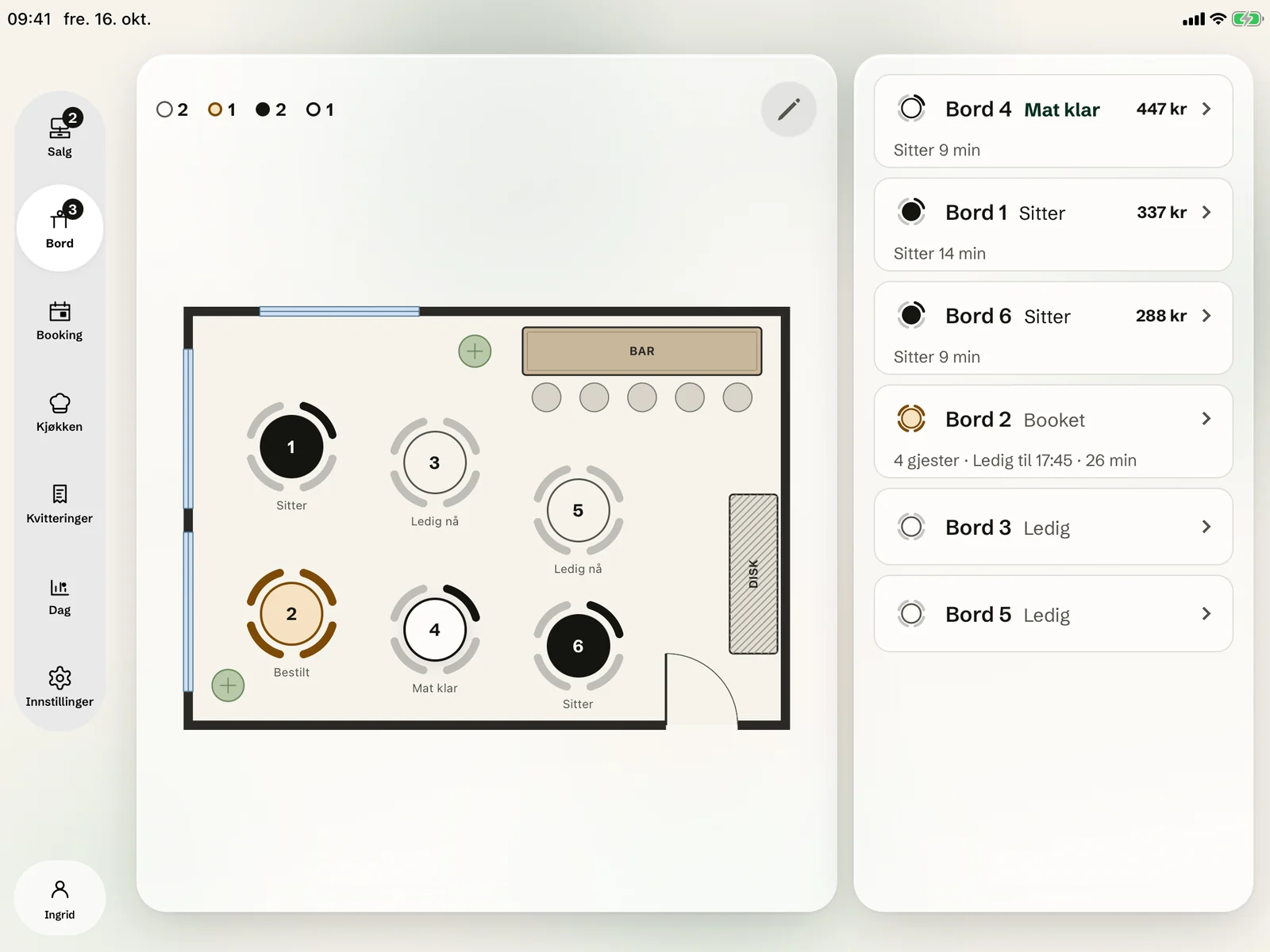
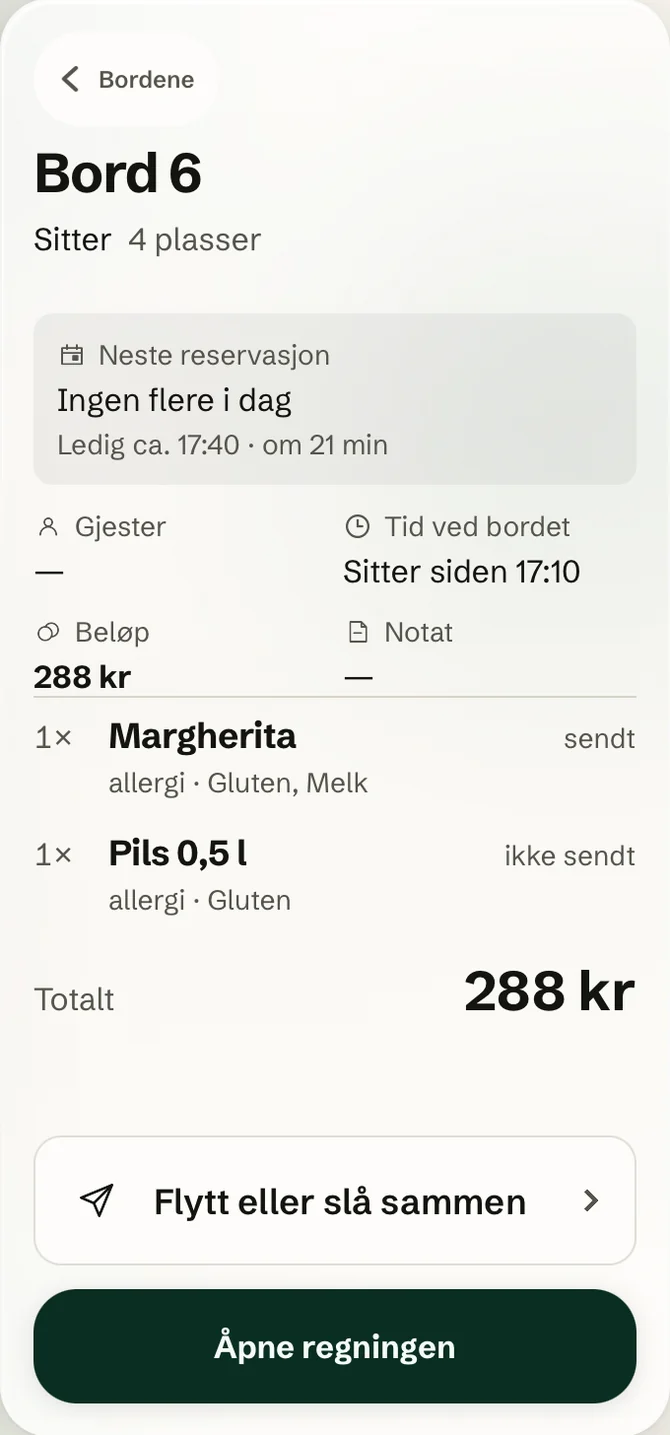
Tap a table and you see the guests, what has been served and the amount so far. From the card you open the bill, or move and merge tables.
The dishes go on the bill at the table, and the order goes straight to the kitchen.
Kitchen screenYou see the day's numbers, count the drawer and close the day.
POSYou see which tables are booked today, and when.
Tables and bookingTable card
Tap a table and you see the guests, what has been served and the amount so far. From the card you open the bill, or move and merge tables.
The kitchen
The dishes go on the bill at the table, and the order goes straight to the kitchen.
Kitchen screen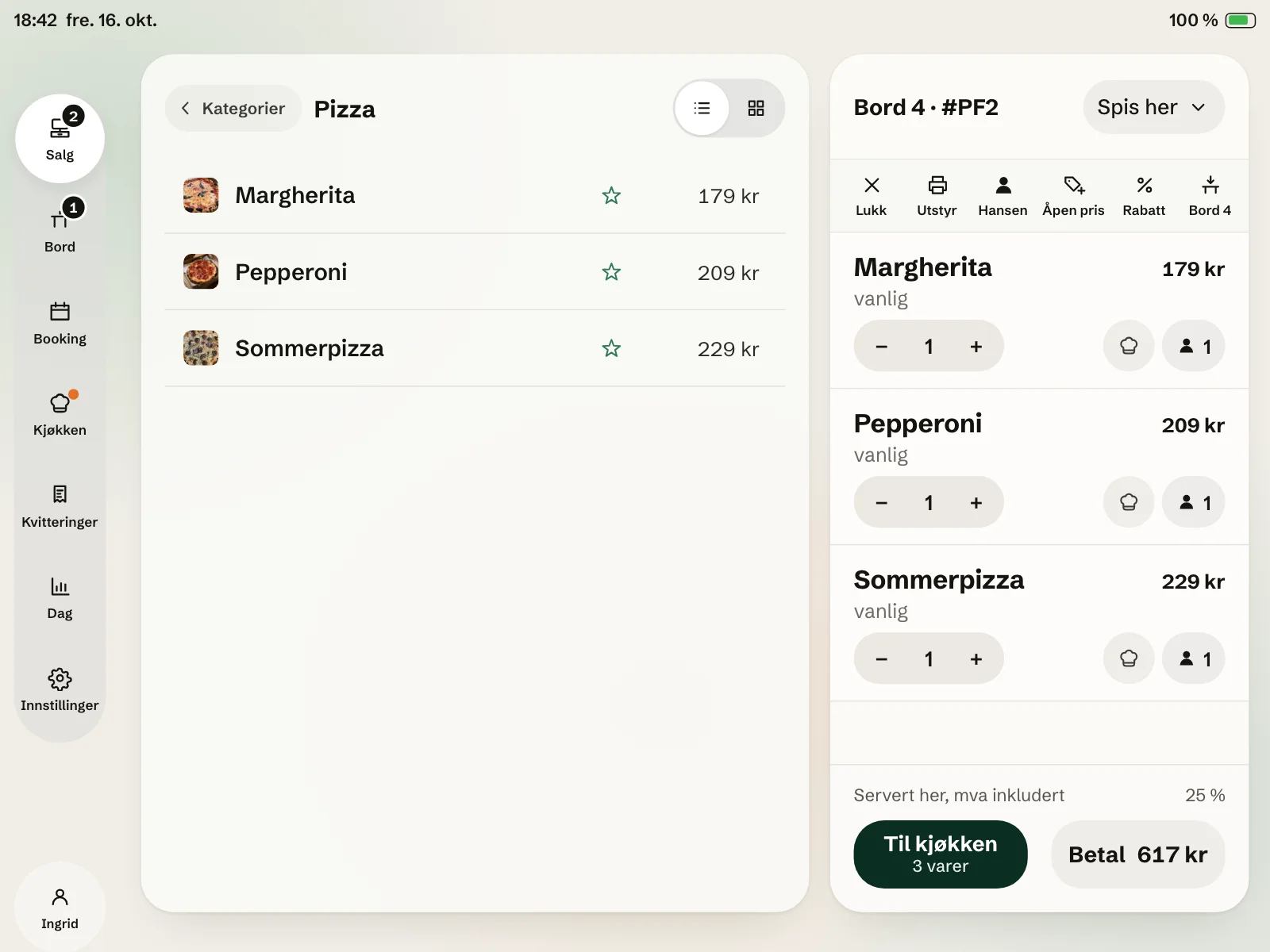
End of day
You see the day's numbers, count the drawer and close the day.
POS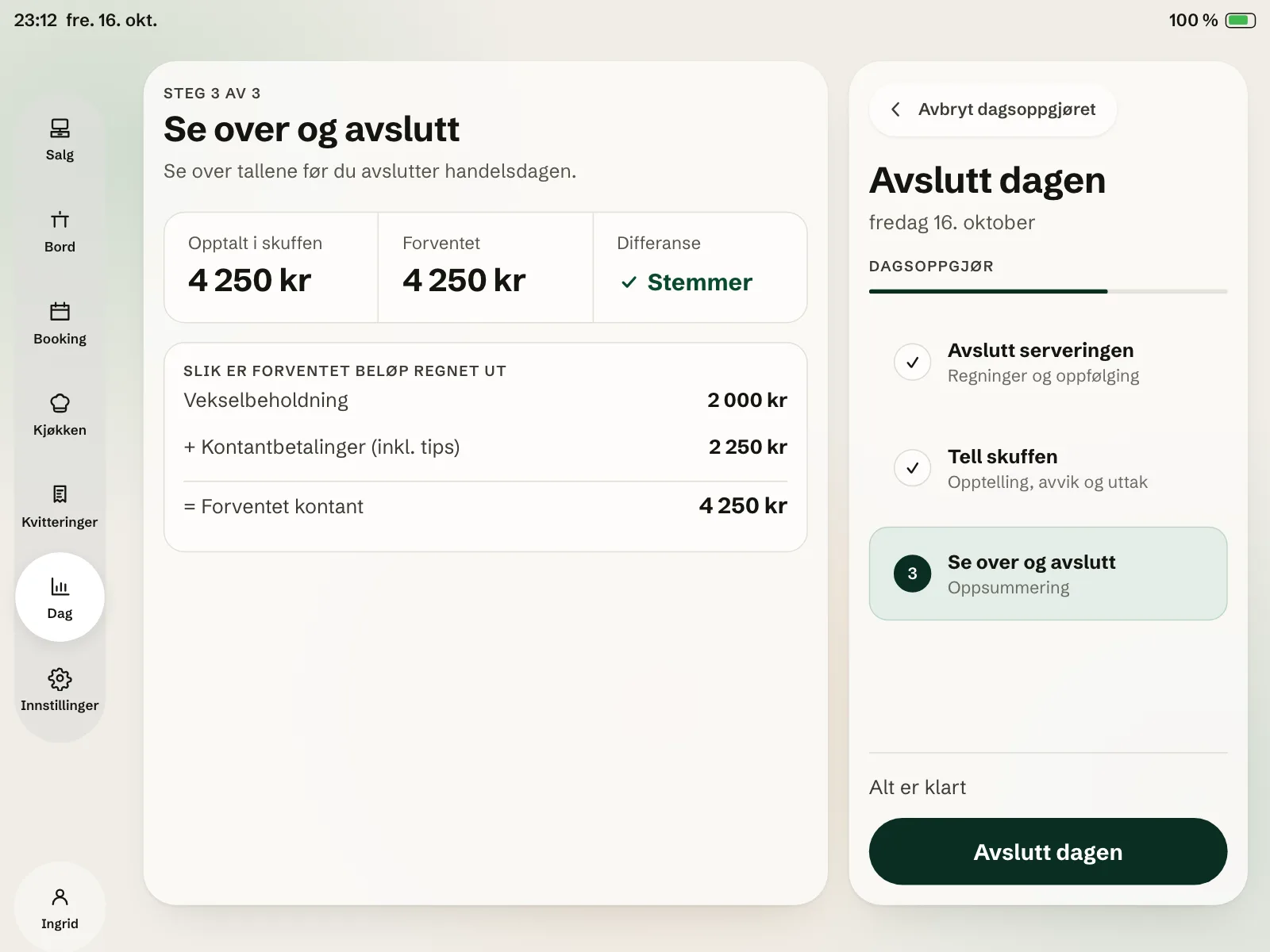
Bookings
You see which tables are booked today, and when.
Tables and booking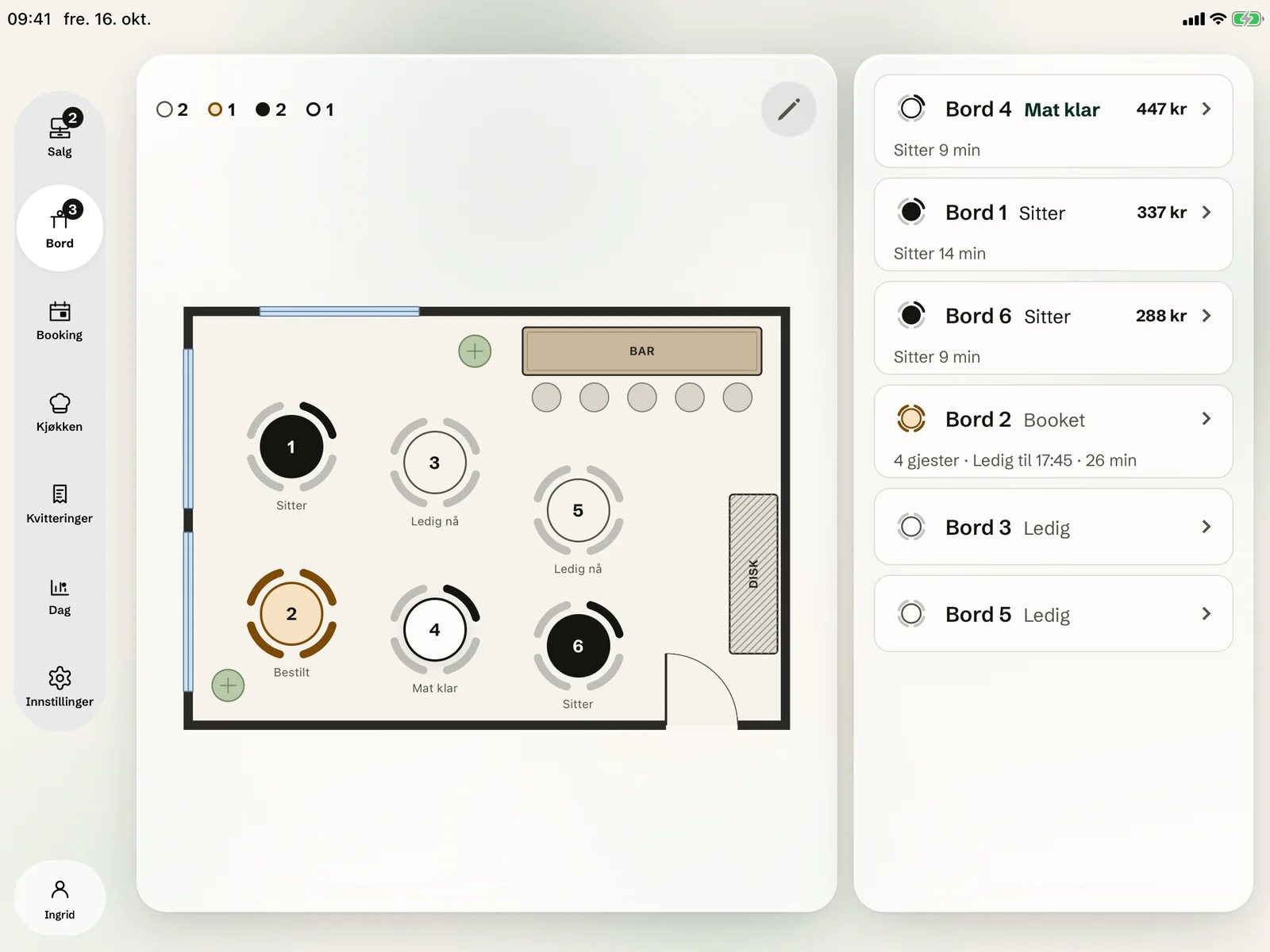
 The table card shows when the next booking arrives.Move the guests to another table, or merge tables.
Questions and answers
If the answer isn't here, we'll cover it in the demo.
Book a demoRuns on iPad and iPhone. See the equipment
What about the rota?
See how it fits together in your restaurant.
We show you Okam with your own menu and tables.