Equipment
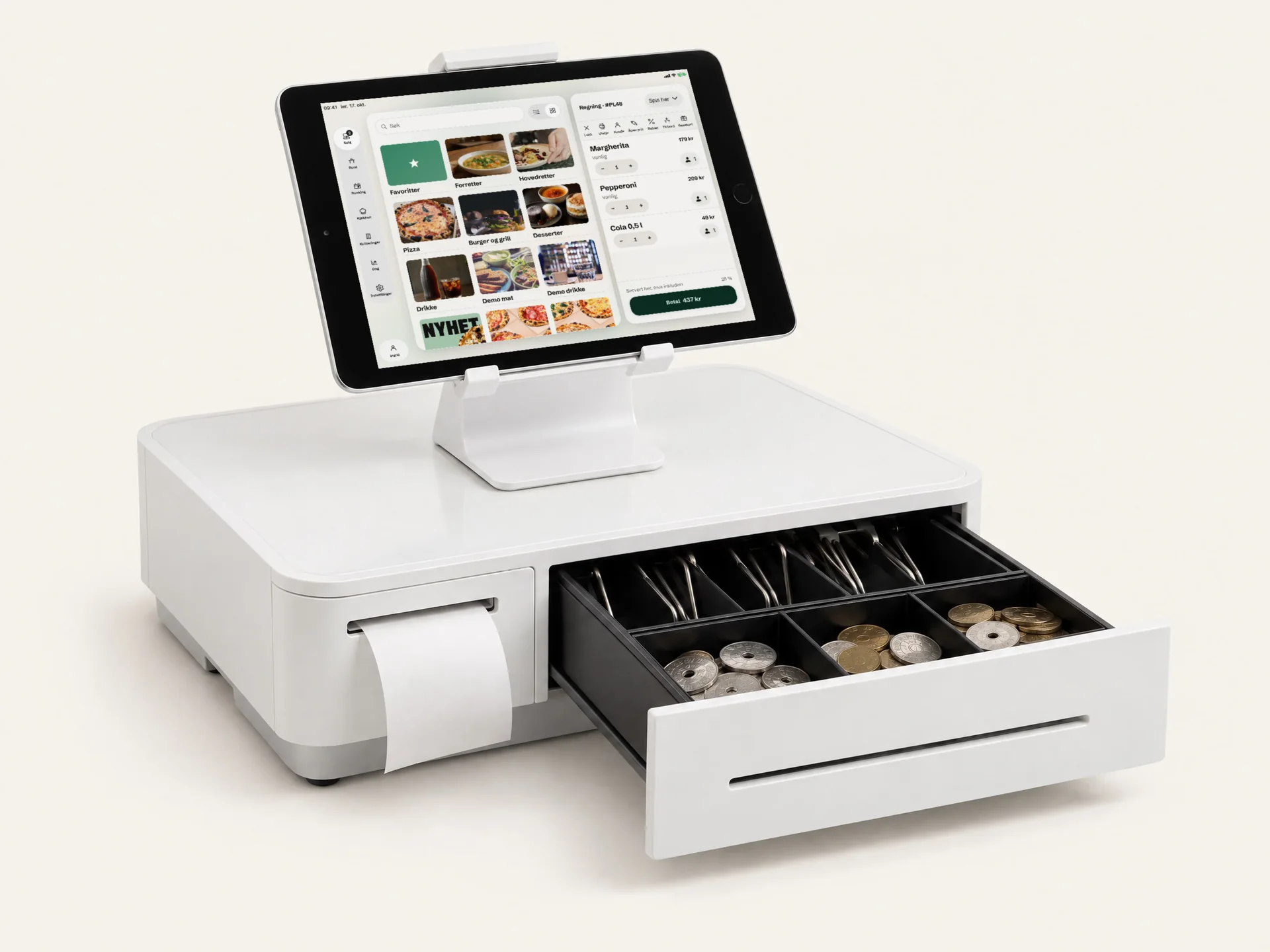
Okam runs on the iPad and iPhone you may already have.
The POS and the kitchen screen are apps. The printer, the cash drawer and the terminal connect to them.
Equipment
This is what you connect.
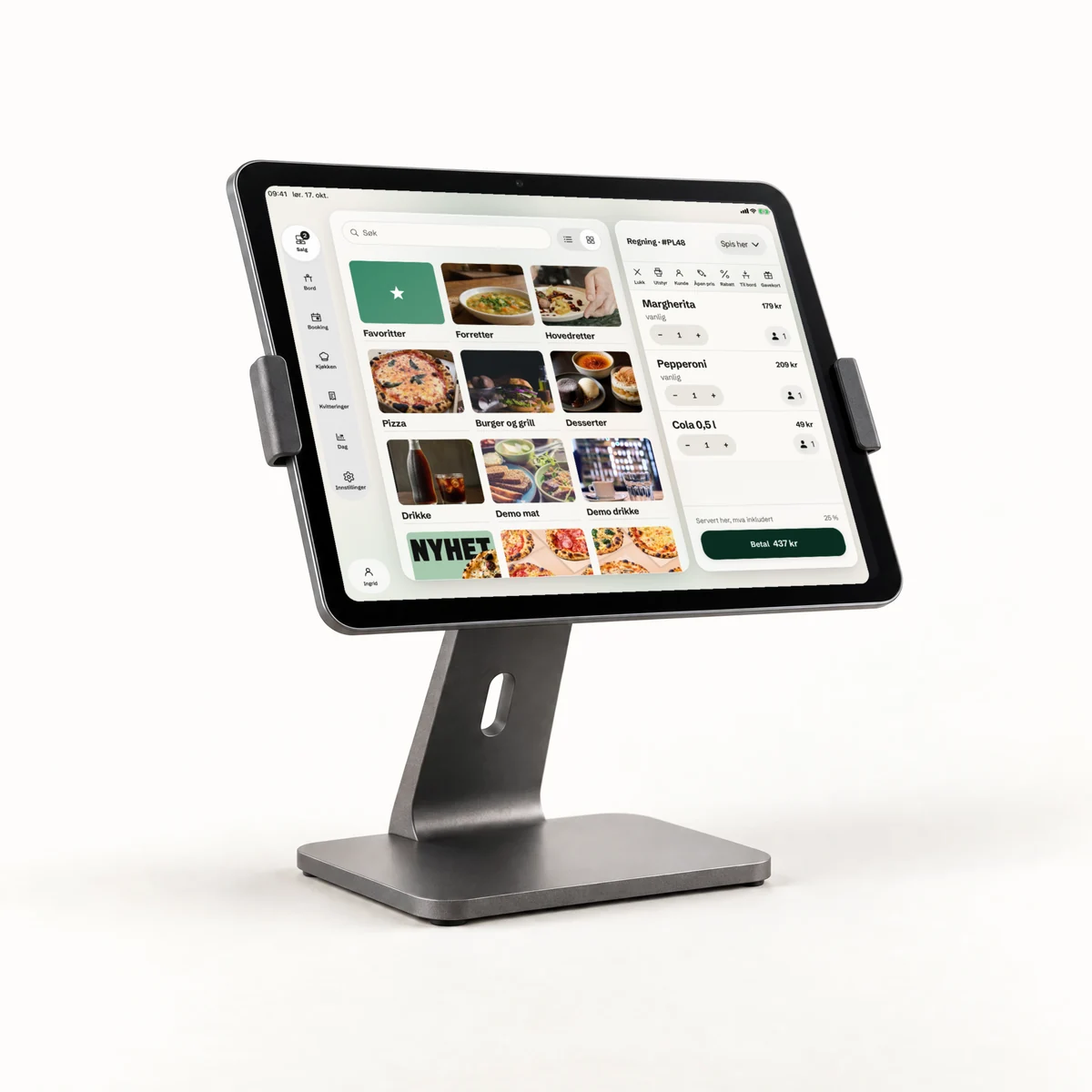
- iPadThe POS at the counter, and the kitchen screen in the kitchen.
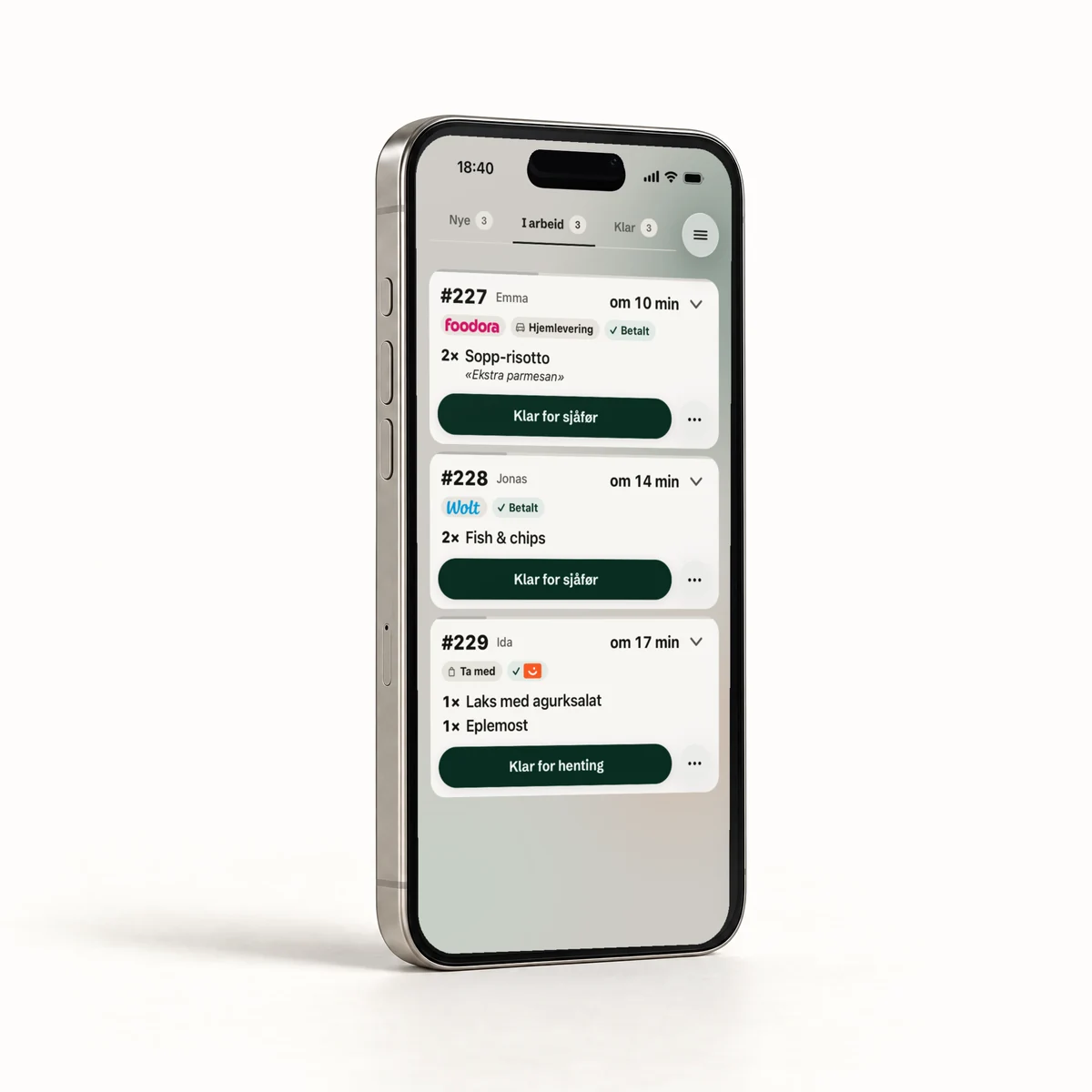
- iPhoneThe same apps, in your pocket.
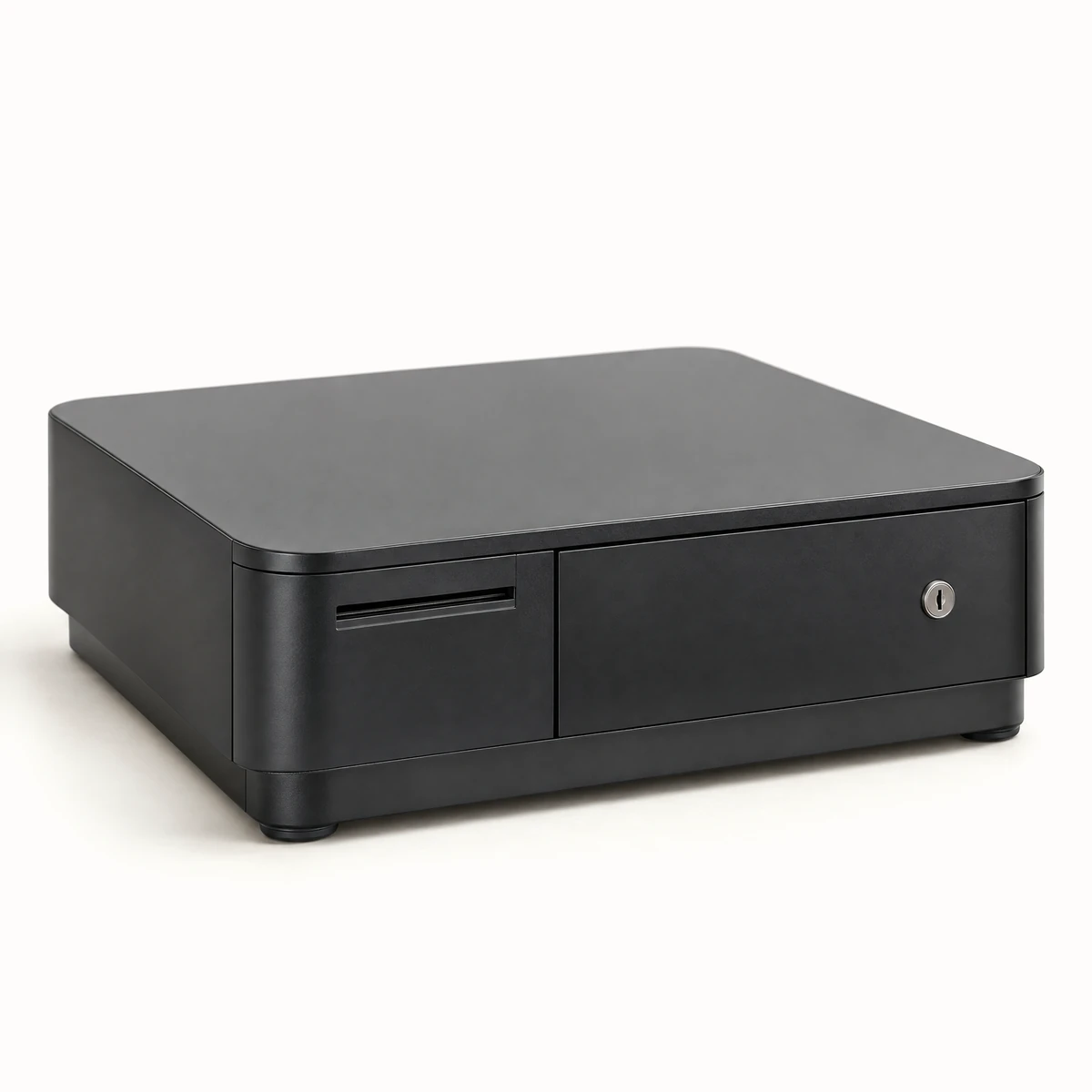
- Receipt printer and cash drawerStar mPOP over Bluetooth. The receipt can also print on the terminal.
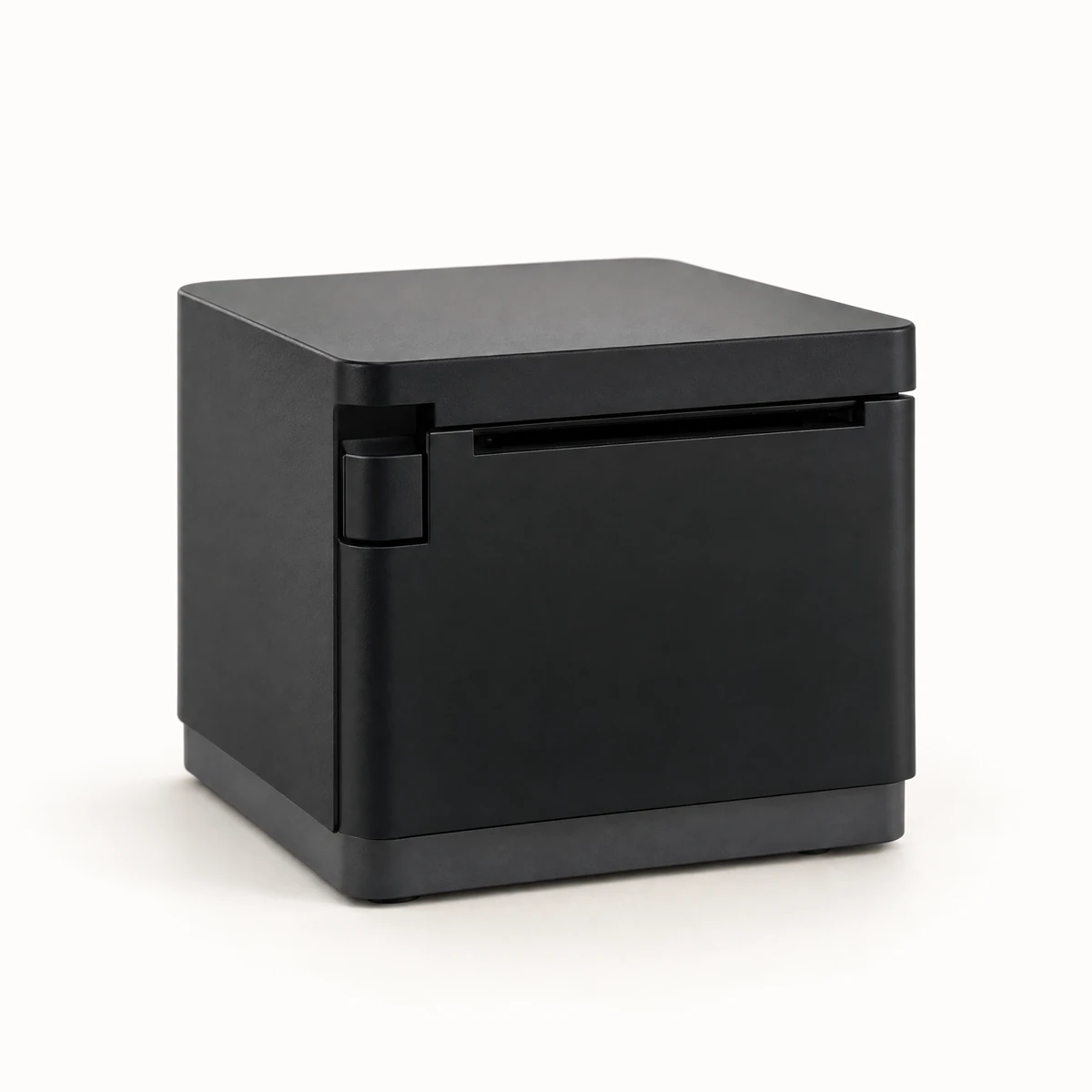
- Kitchen printerStar mC-Print2 or mC-Print3, if the kitchen wants paper tickets.
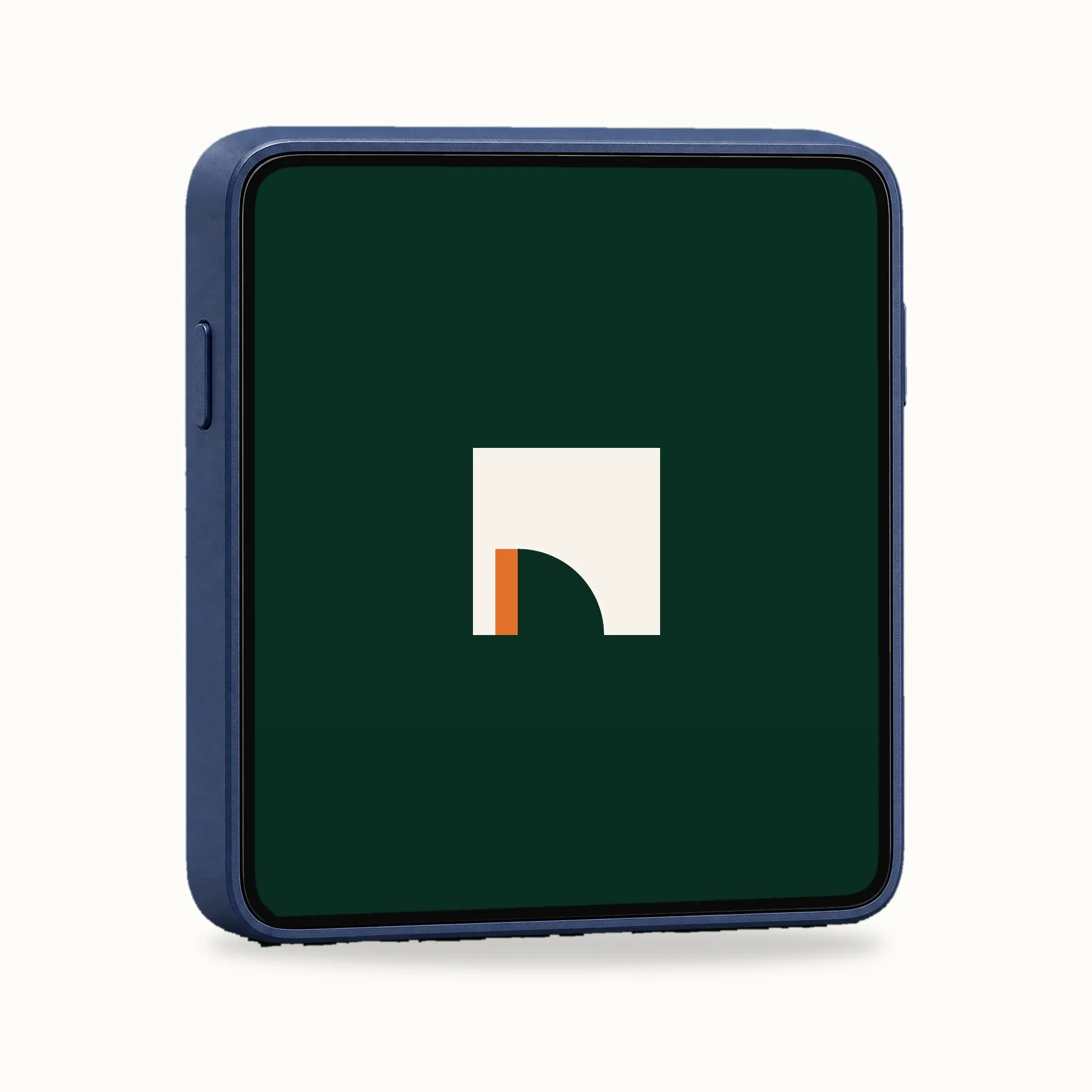
- Mini TerminalA card terminal that fits in your pocket. Take it to the table or use it at the counter.
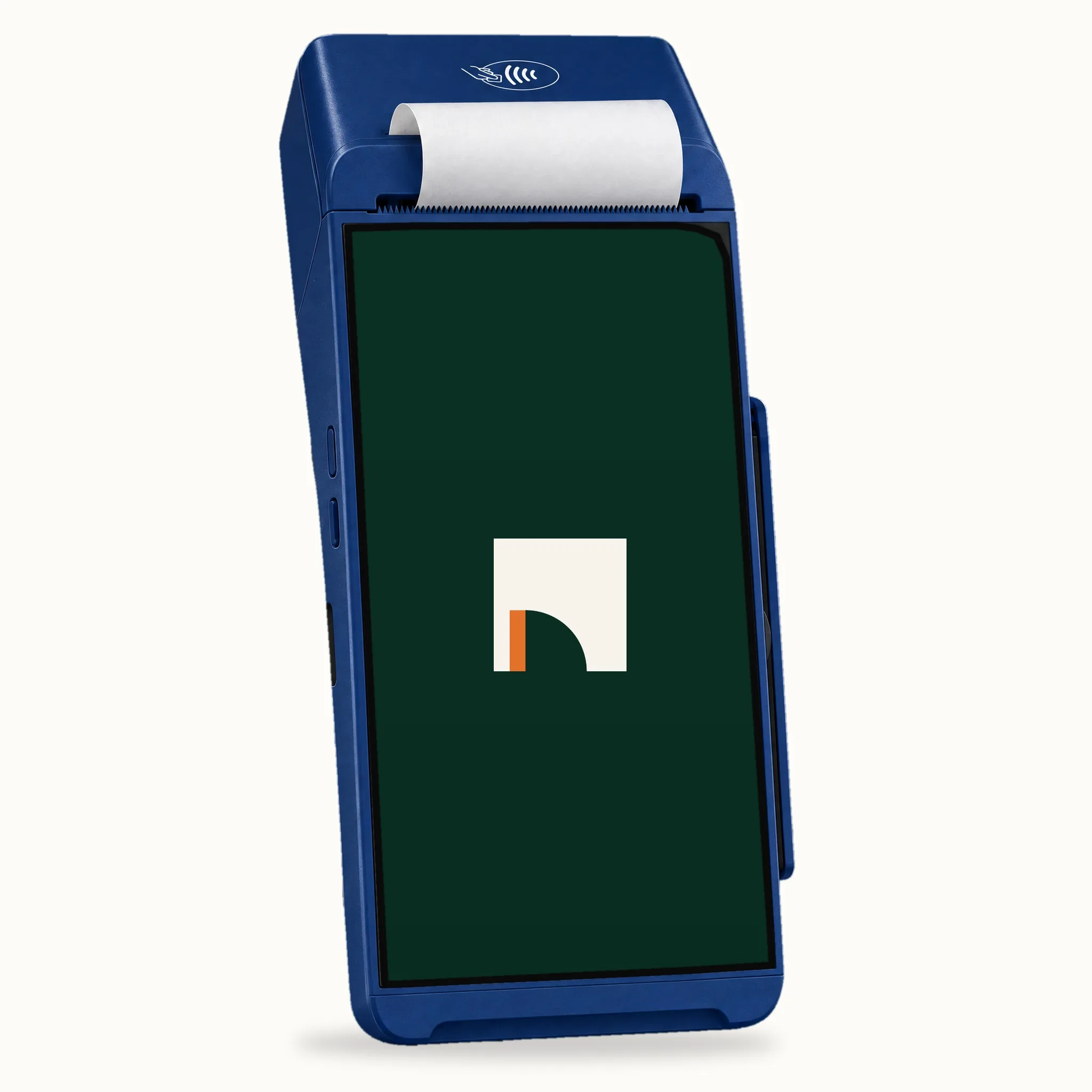
- Print TerminalA card terminal with a built-in printer, so the receipt comes straight from the terminal.
Also supported.
- Gift cards Sell gift cards and redeem them at the till. The gift card is scanned with the camera.
- Barcodes Scan items with a barcode straight onto the bill.
Can I use an iPad or iPhone I already have?
The POS and the kitchen screen are apps for iPad and iPhone, so they run on the devices you already use.
What do I need to get started?
An iPad or iPhone for the POS, a card terminal, and a Star mPOP if you want paper receipts and a cash drawer.
Does the kitchen need paper tickets?
No. The kitchen screen shows the orders. If the kitchen also wants paper, the ticket prints on a Star mC-Print2 or mC-Print3.
Can the receipt print on the terminal?
Yes. The receipt prints on the terminal or on a Star mPOP.
Get the equipment list for your restaurant.
Book a demo and we'll go through the equipment for your restaurant.